OV - Terminal Pager
Posted on:

Features
- Quickly opens files larger than memory.
- Supports fixed header lines and columns.
- Optimized for tabular text with column mode and customizable column colors.
- Fully customizable shortcut keys and styles.
- Follow mode for real-time updates (like
tail -f/tail -F). - Exec mode to display command output dynamically.
- Watch mode to monitor file changes periodically.
- Advanced search: incremental, regex, and filter functions.
- Multi-color highlighting for multiple words.
- Supports Unicode and East Asian Width characters.
- Handles compressed files (gzip, bzip2, zstd, lz4, xz).
Use cases
Pager can be broadly categorized into two patterns: one that receives and displays text files or standard input, and another that is automatically invoked from within a command.
When displaying text files or standard input, you can specify options when invoking the command.
When invoked from within a command, you can use ov as a pager by configuring the command’s configuration file or environment variables.
For example, using git diff as a pager setting for git or invoking it with git diff | ov will result in different displays because the git command changes its internal behavior.
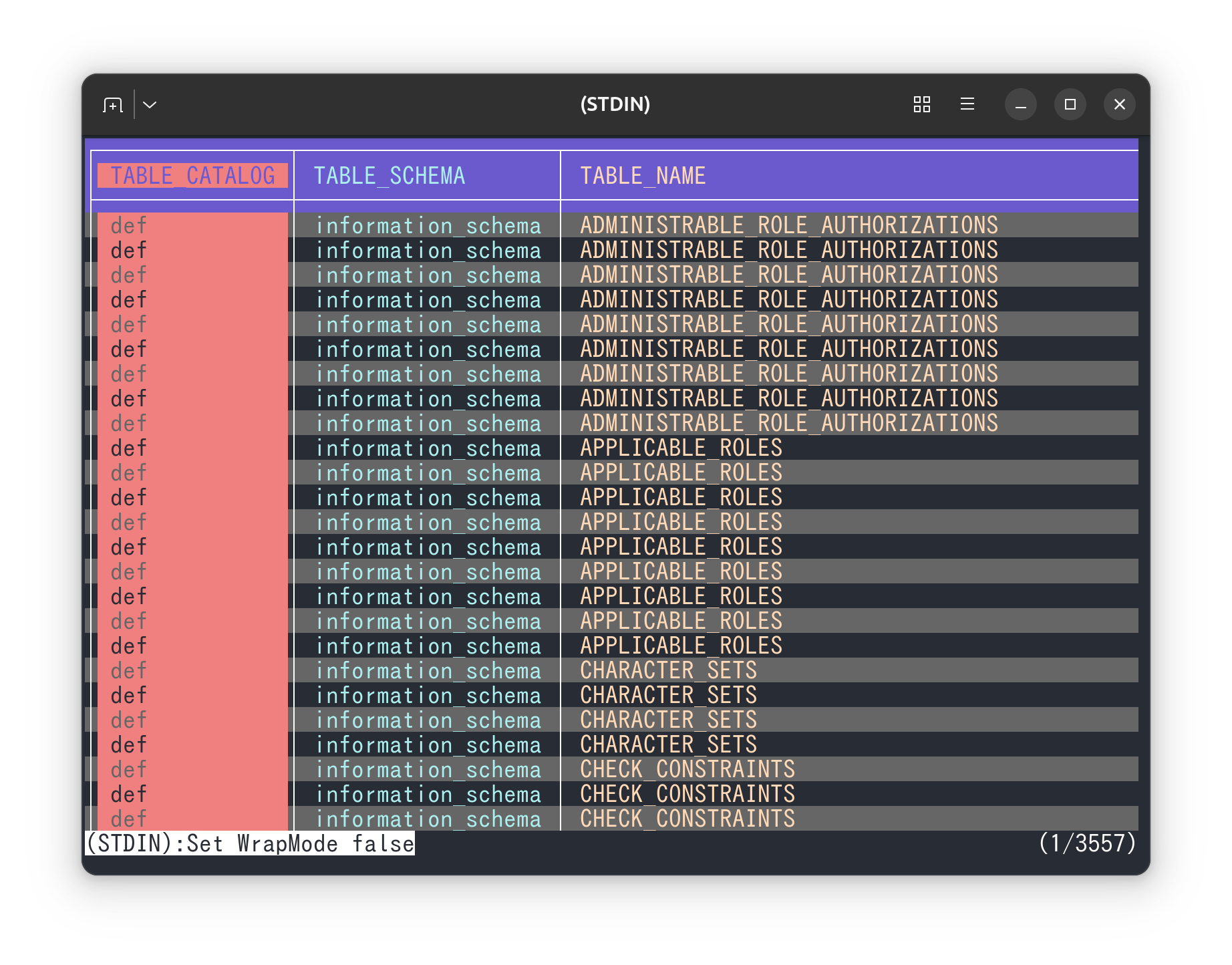
- Word wrap NEWSwitch between character-based wrapping and word wrapping in ov.
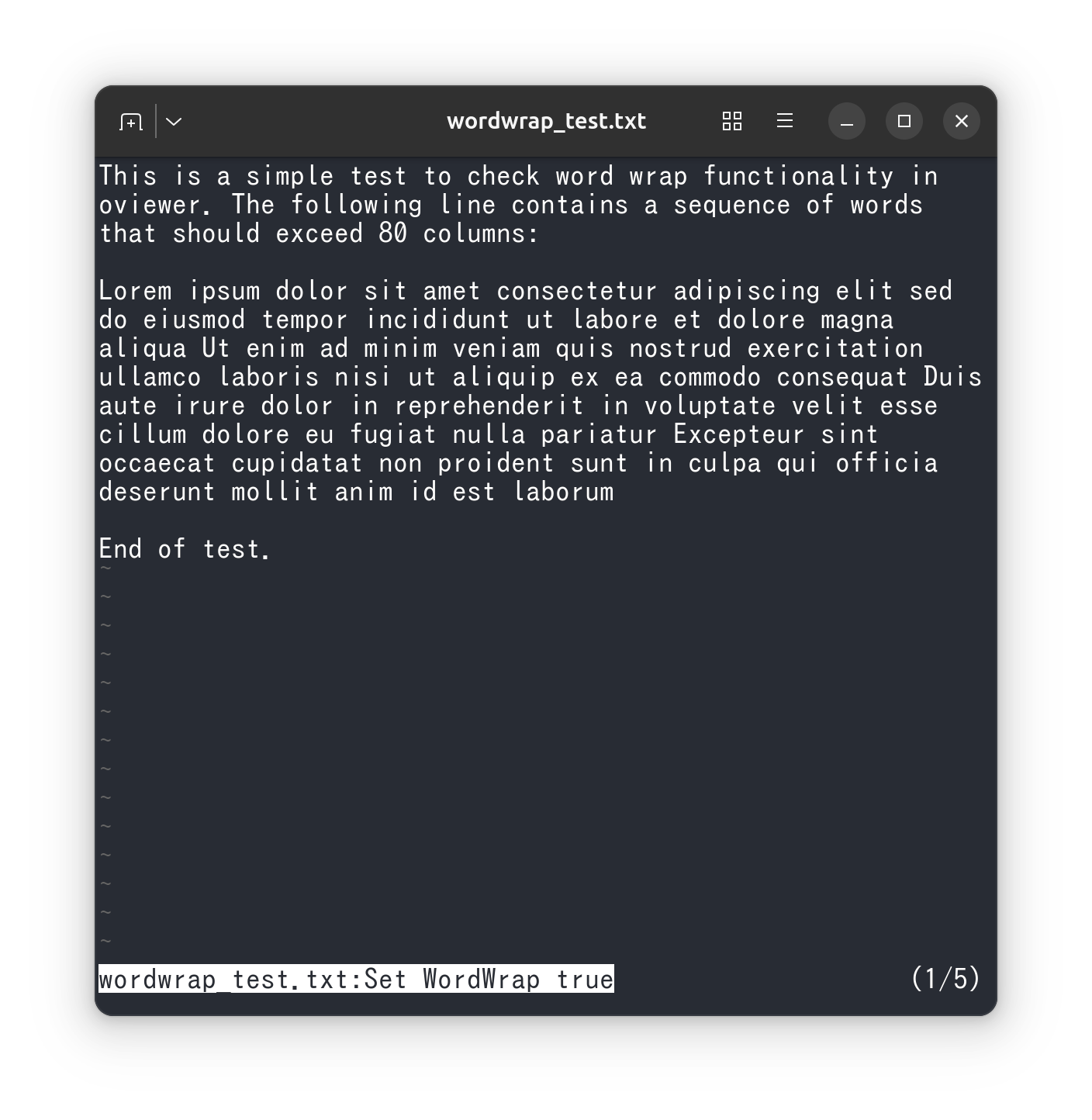
- The design approach to syntax highlighting in ov.
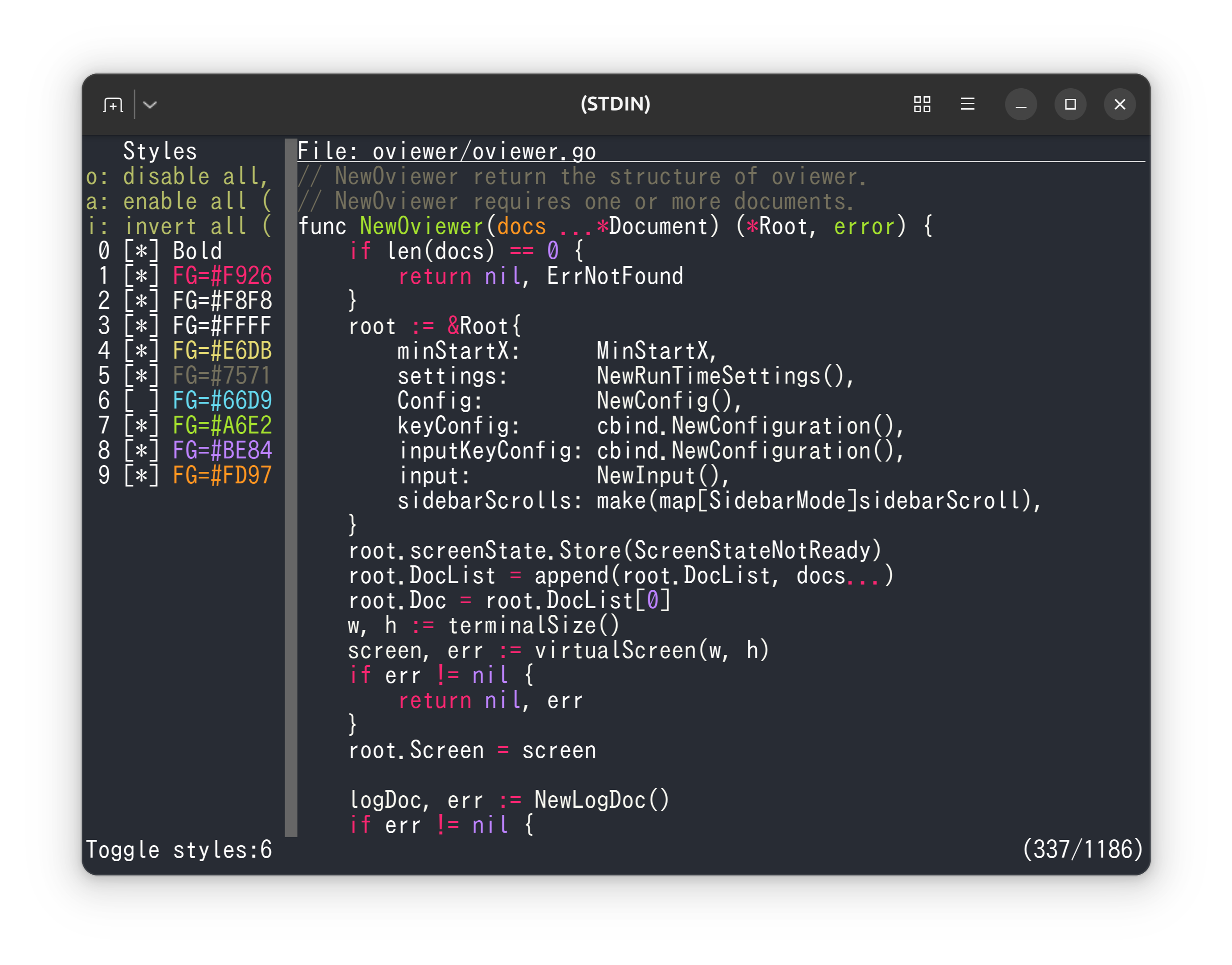
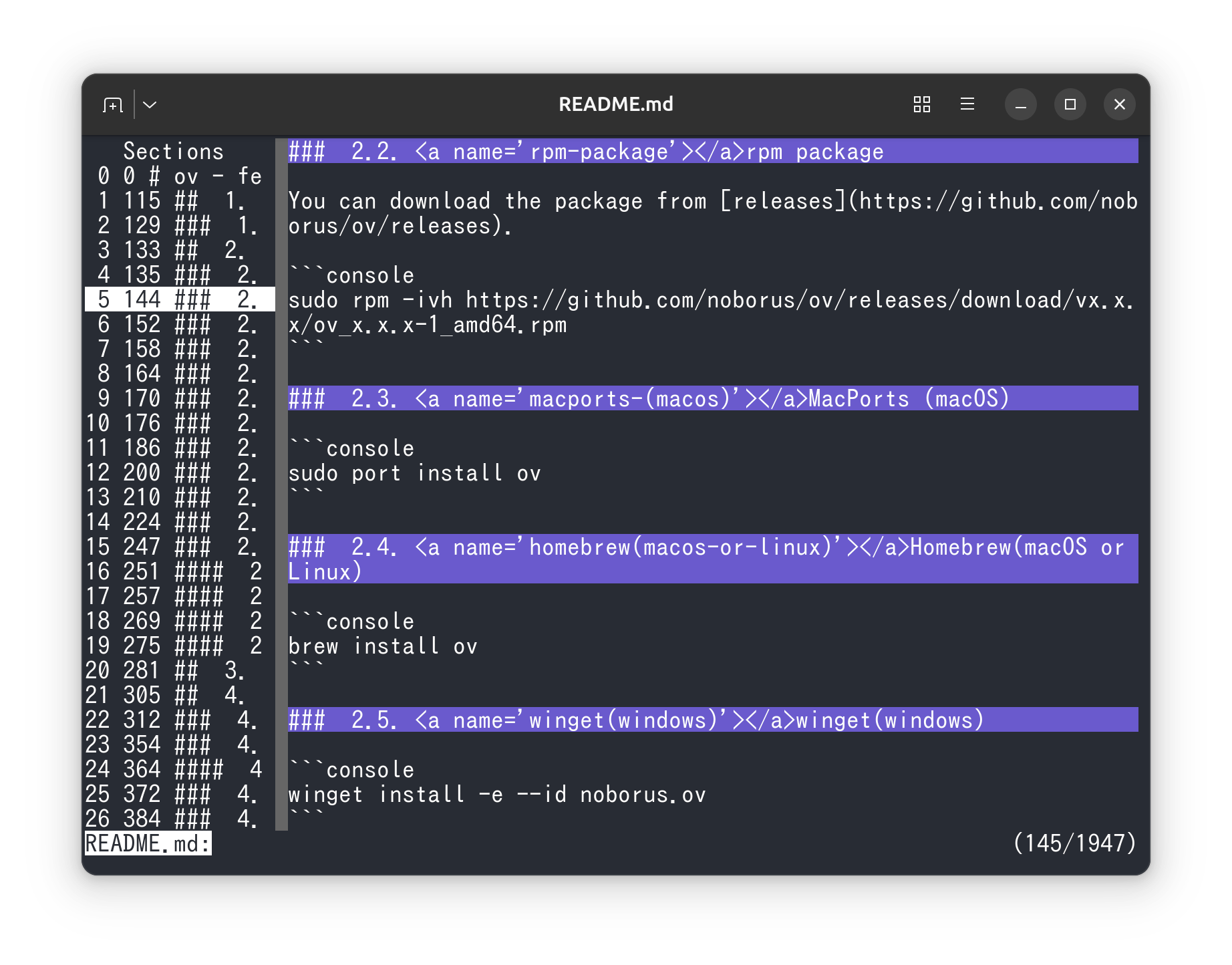
- Understand how to use sections in ov for better organization of content
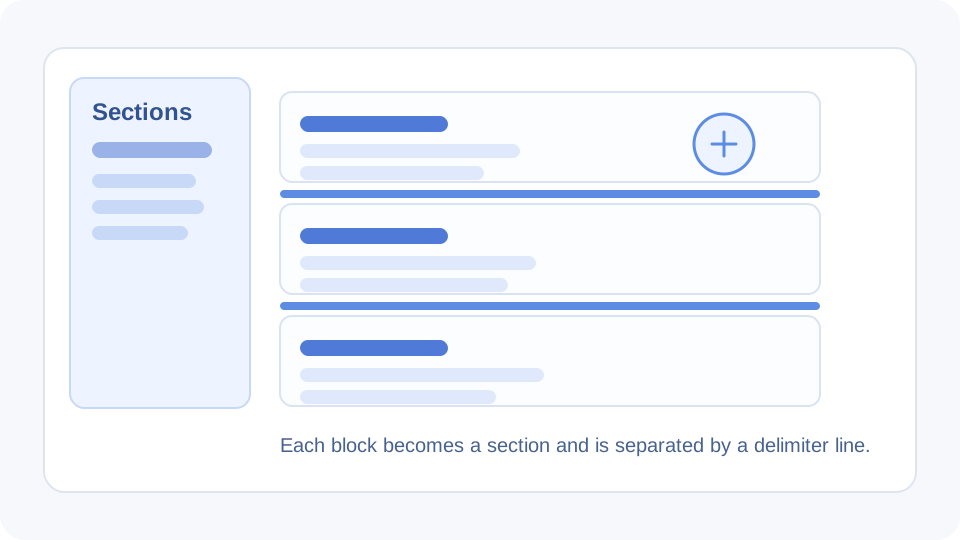
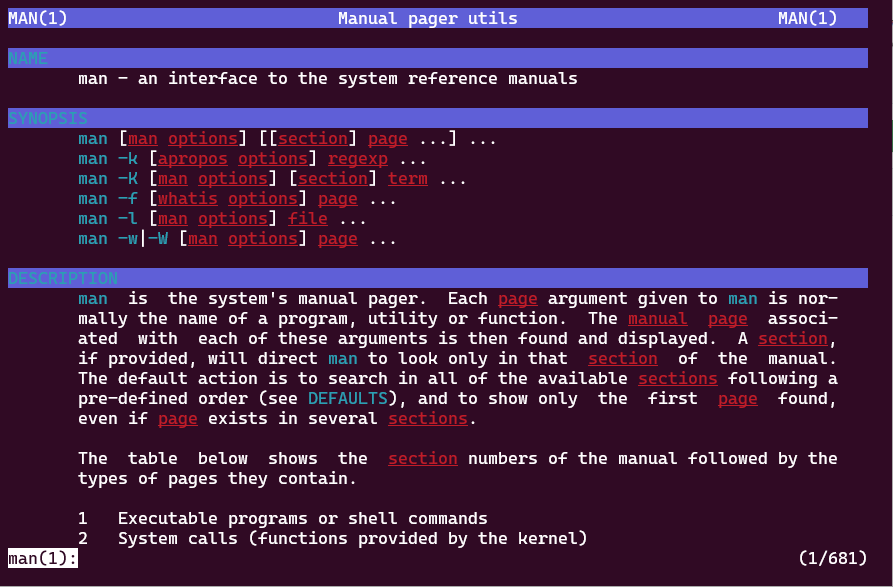
- Use ov as a pager for man pages to navigate and read manual pages efficiently.
- Use ov as a pager for bat, a feature-rich alternative to cat, to view and navigate file contents.
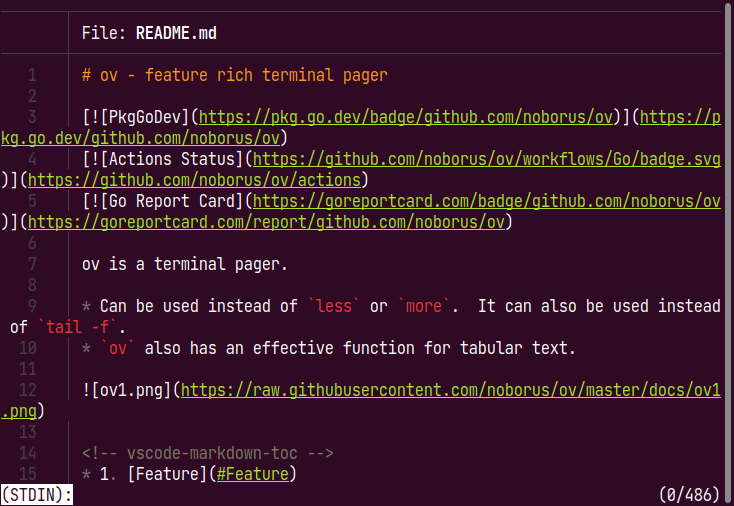
- View and navigate markdown files using ov as a markdown viewer.
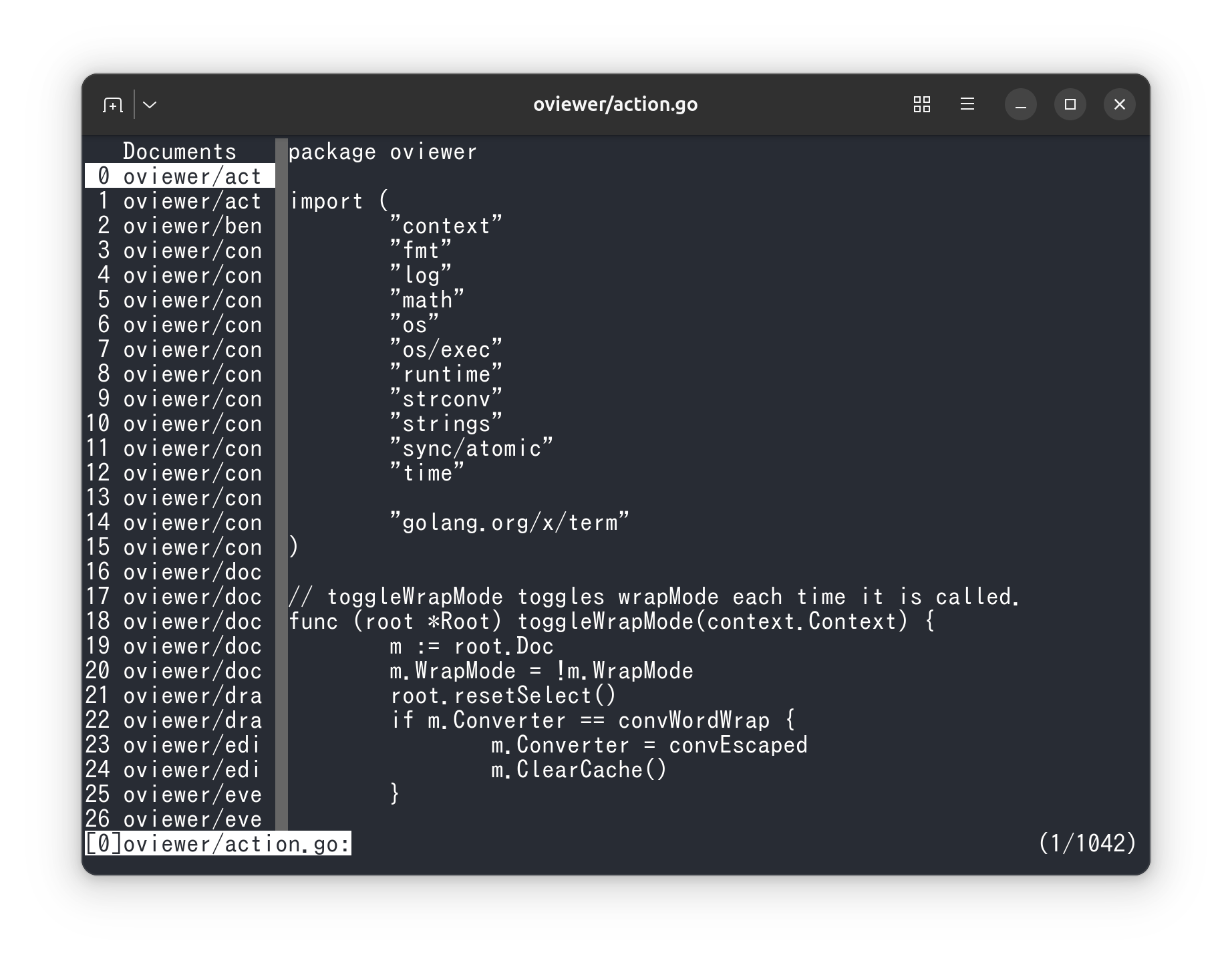
- Display and manage multiple files simultaneously with ov.
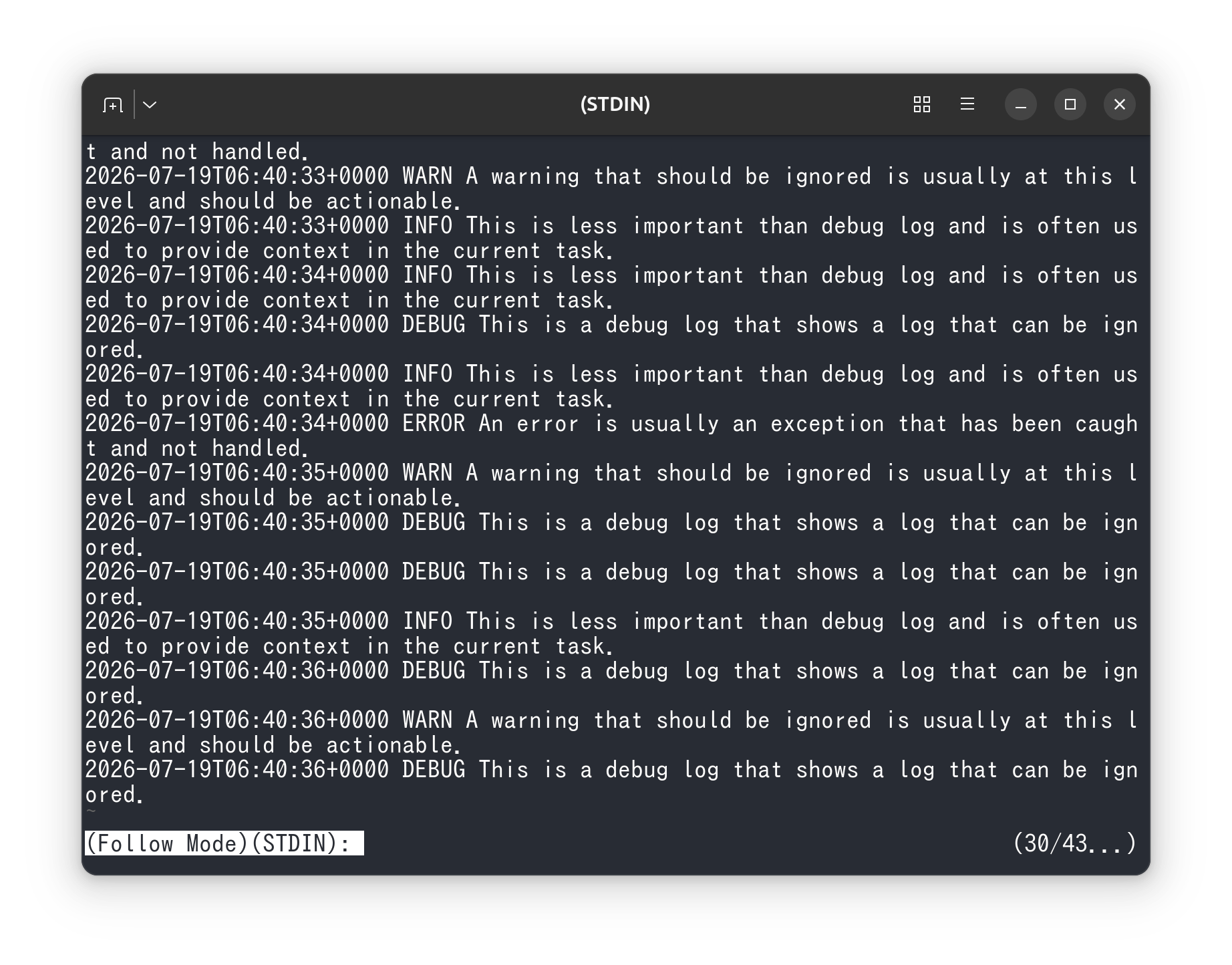
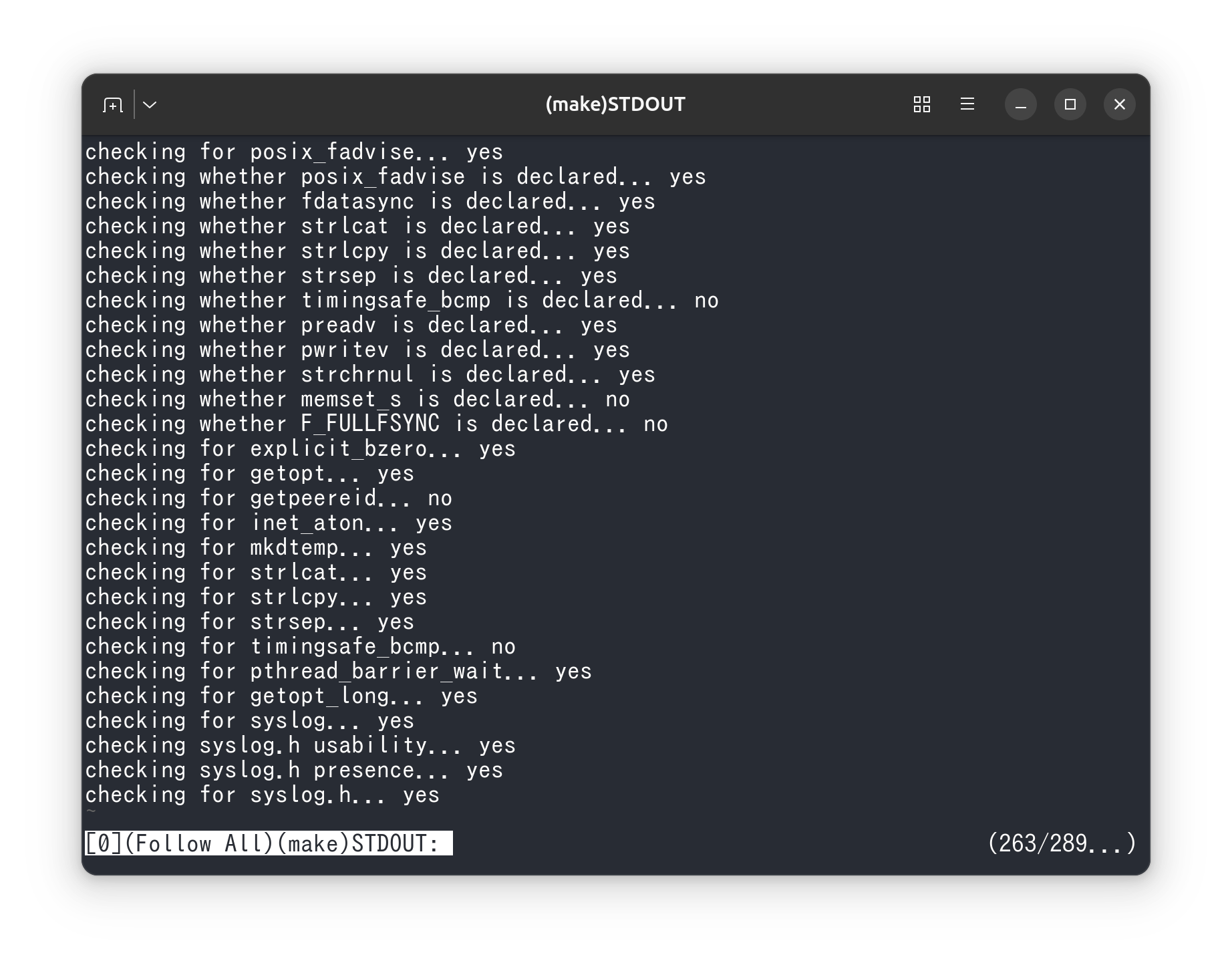
- Learn how to use ov’s follow mode for real-time updates.
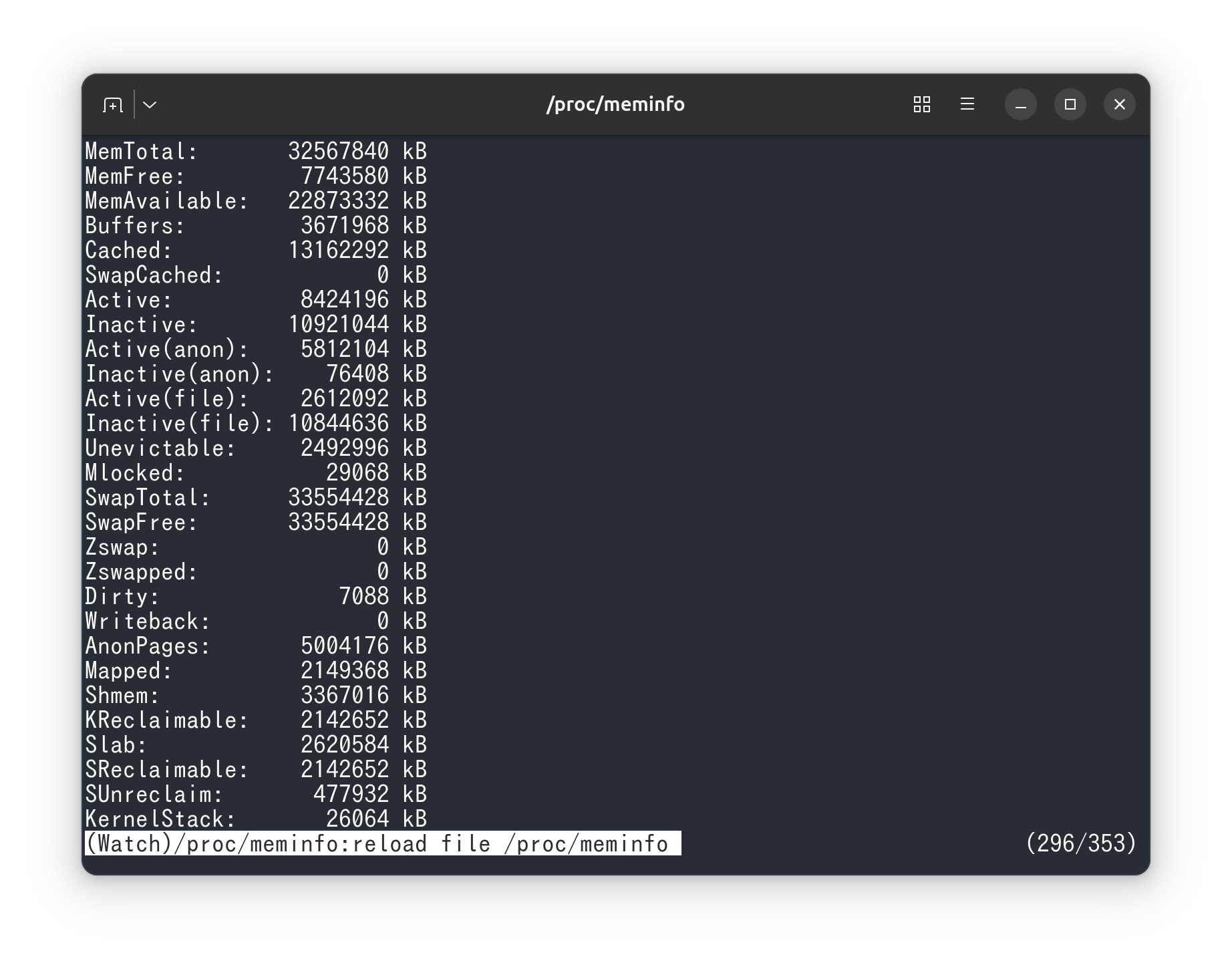
- Monitor file changes in real-time using ov’s watch mode.
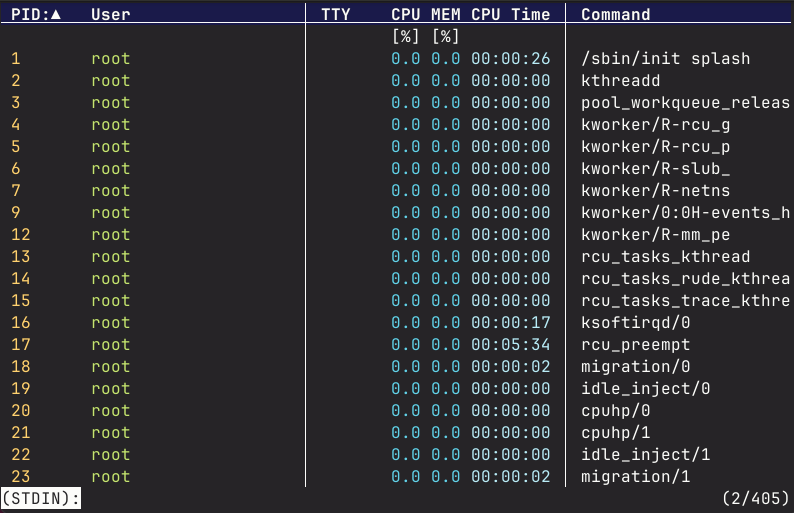
- Use ov as a pager for procs to better visualize process information.
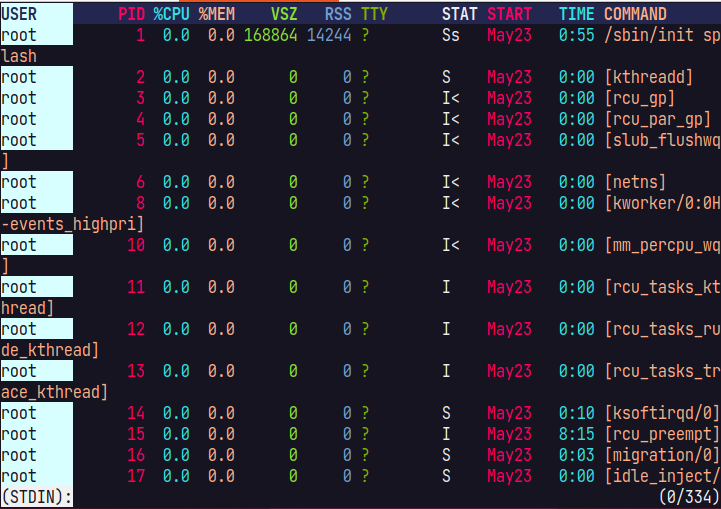
- Use ov as a pager for ps to format and display process information clearly.
- Use ov to execute commands and display their output dynamically.
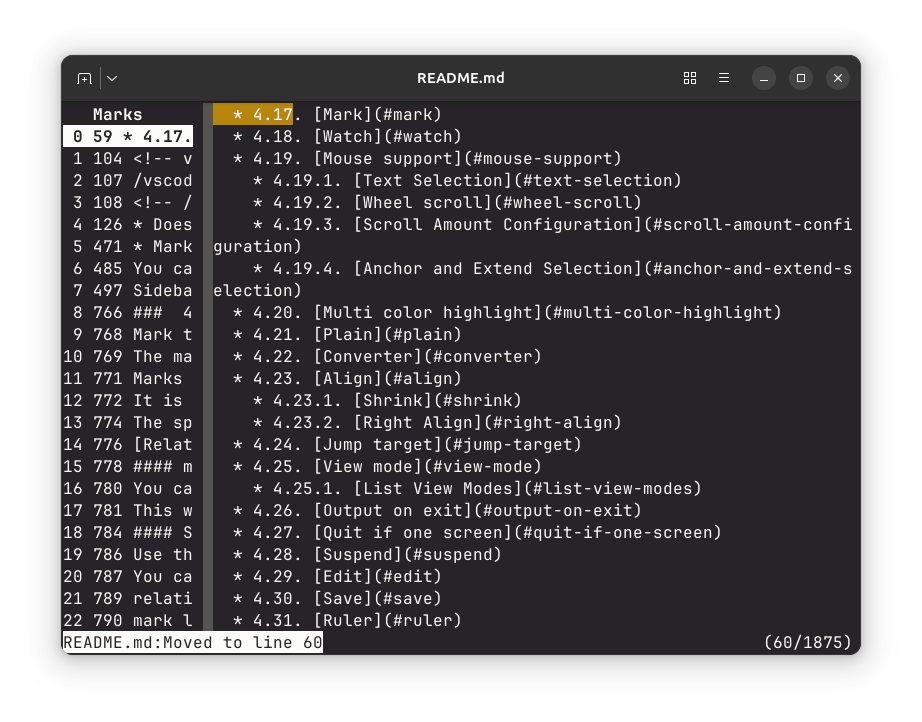
- Mark feature. Mark is a function to remember the position on the ov screen.
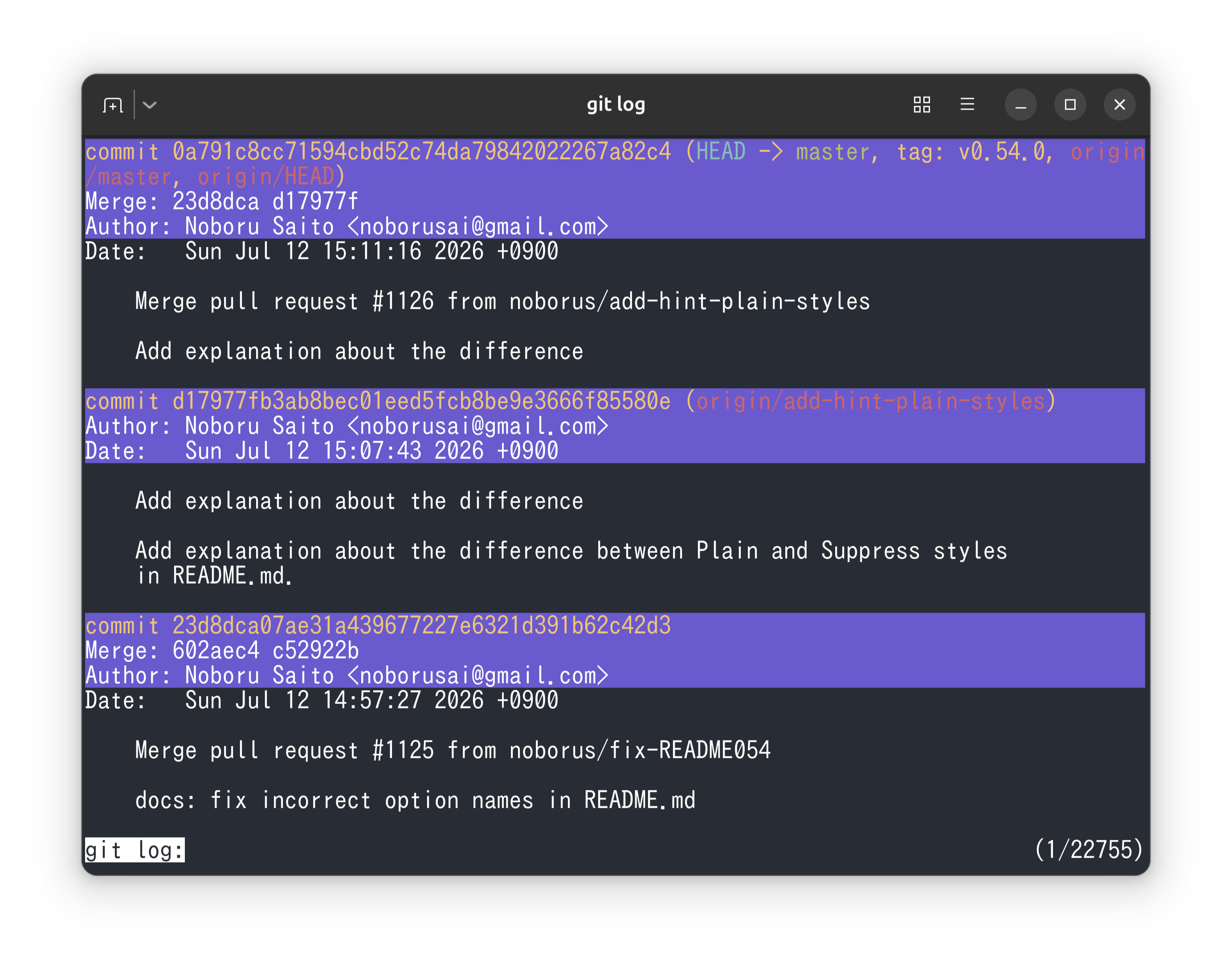
- Use ov as a pager for git to improve the readability of git command outputs.
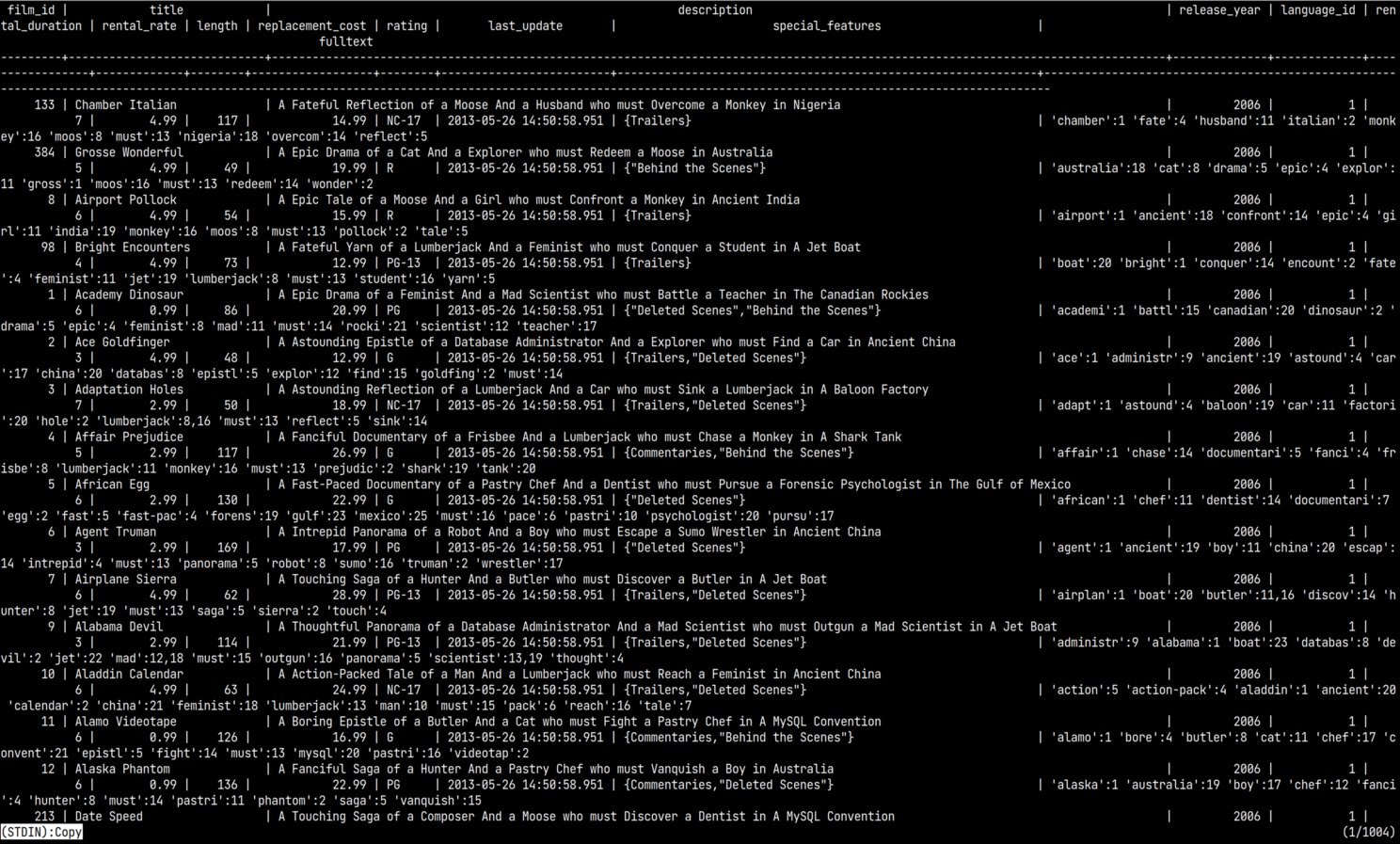
- Using ov as a pager for psql to improve query result display
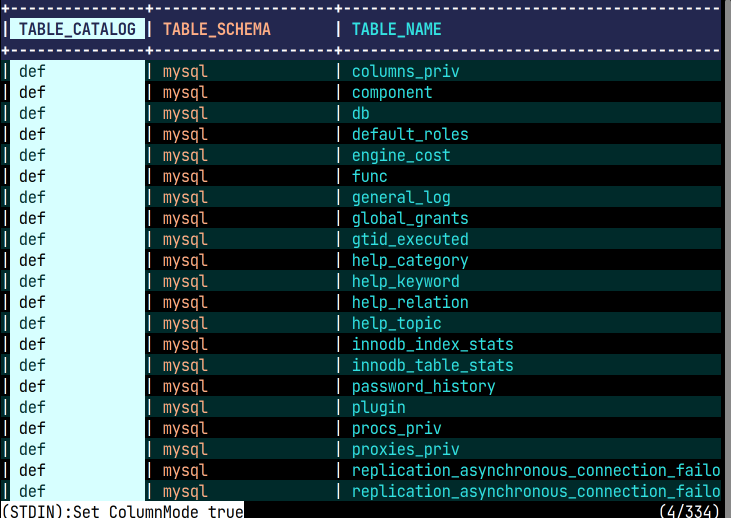
- Using ov as a pager for mysql to improve query result display
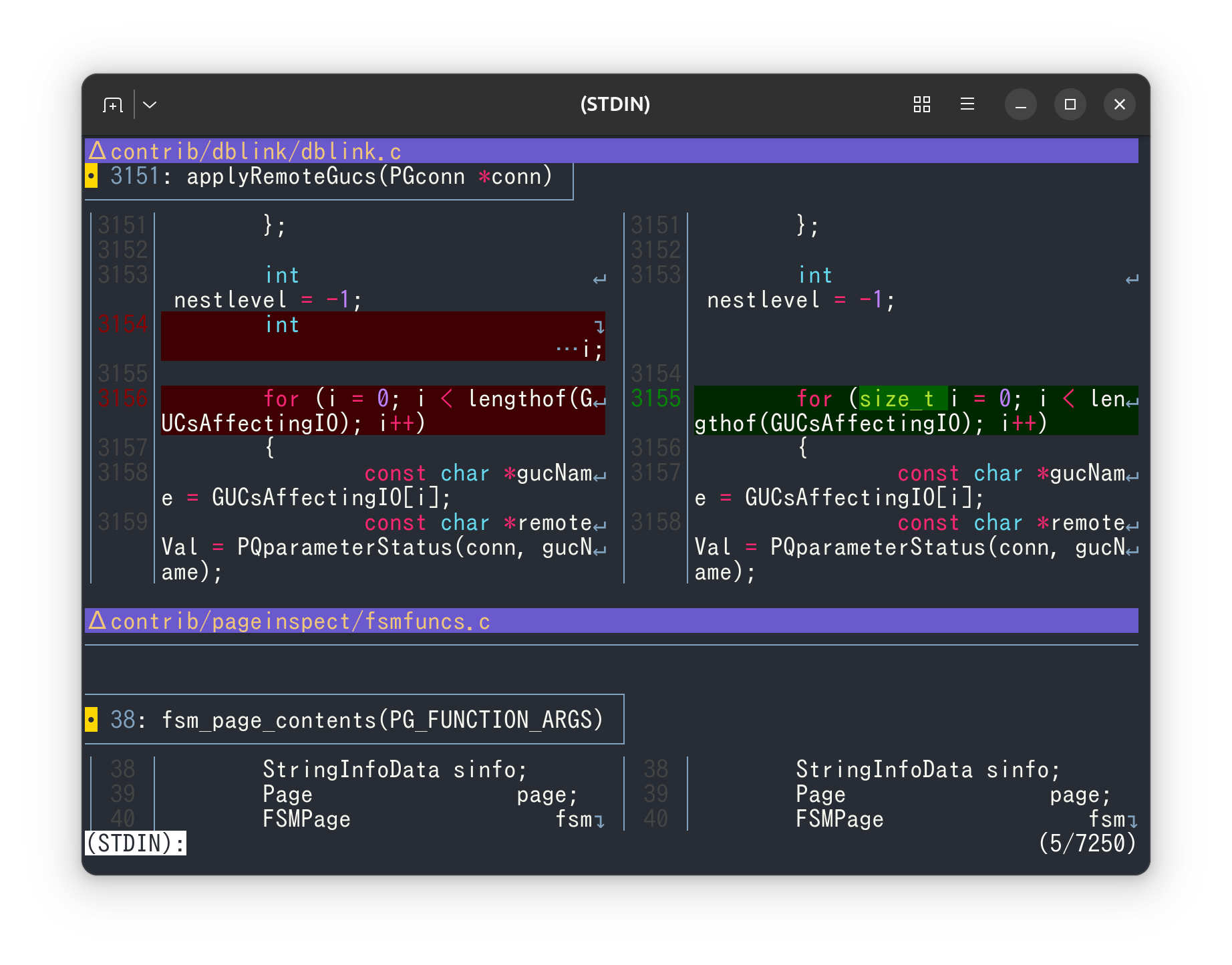
- Utilize ov as a pager for delta to compare and manage file differences effectively.
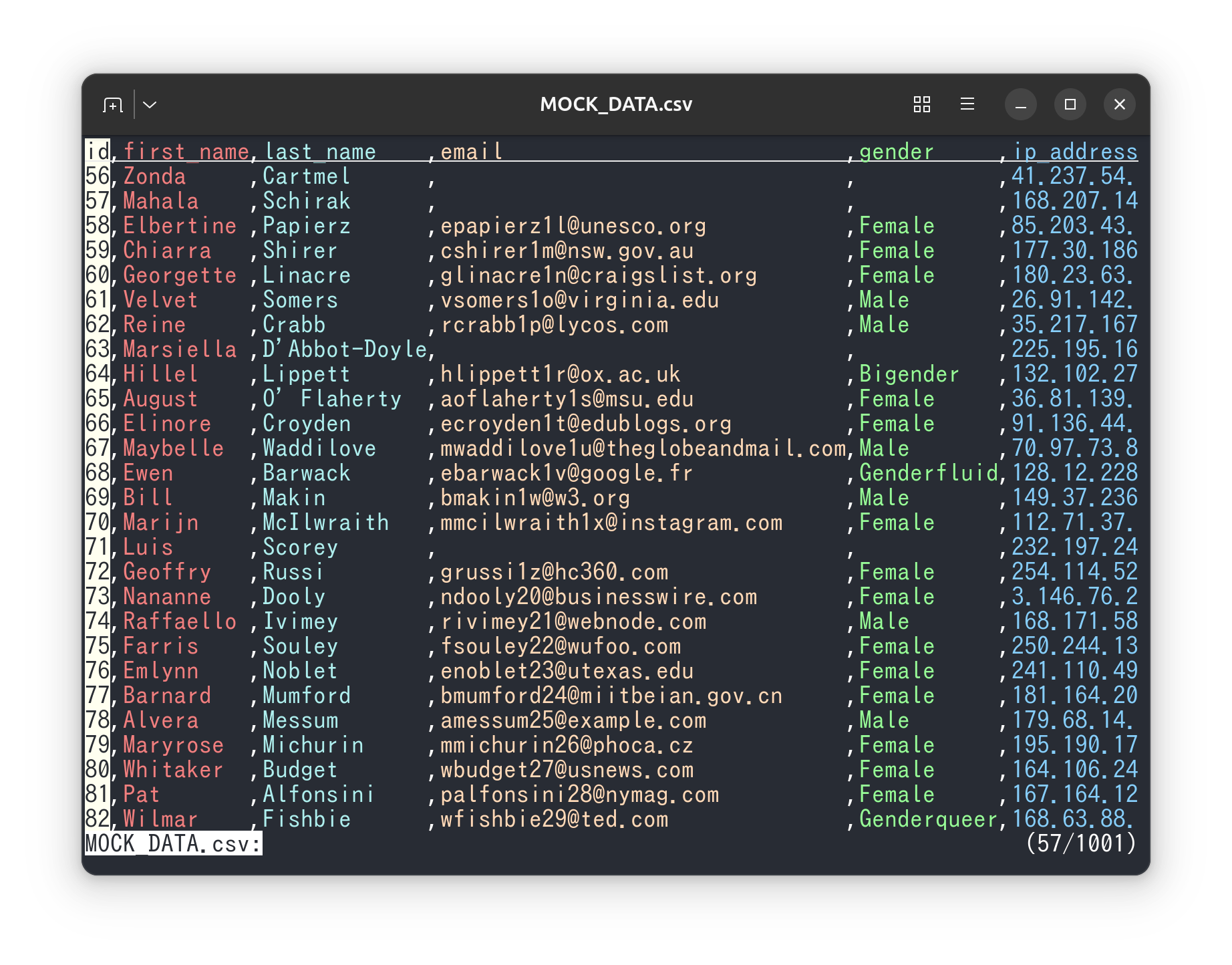
- Use ov as a csv viewer
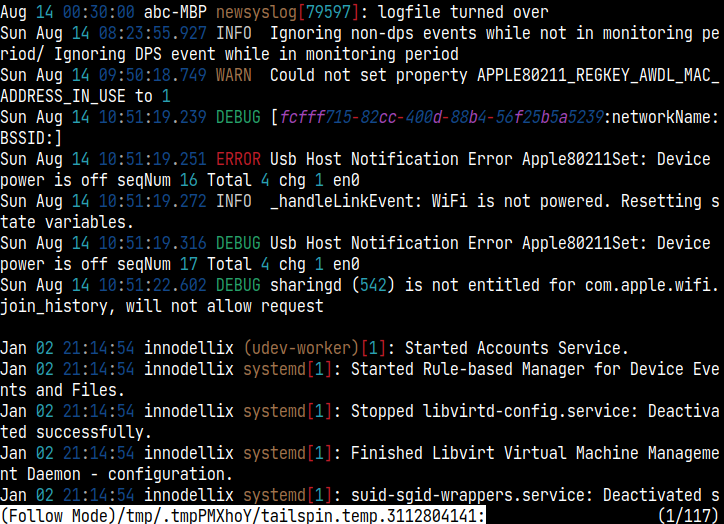
- Use ov as a pager for tailspin to enhance the display of log files.
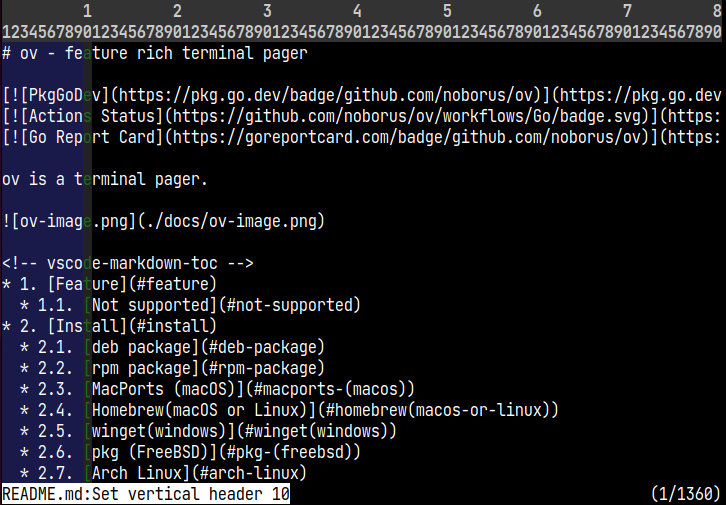
- Fixed display of columns with vertical header and header column
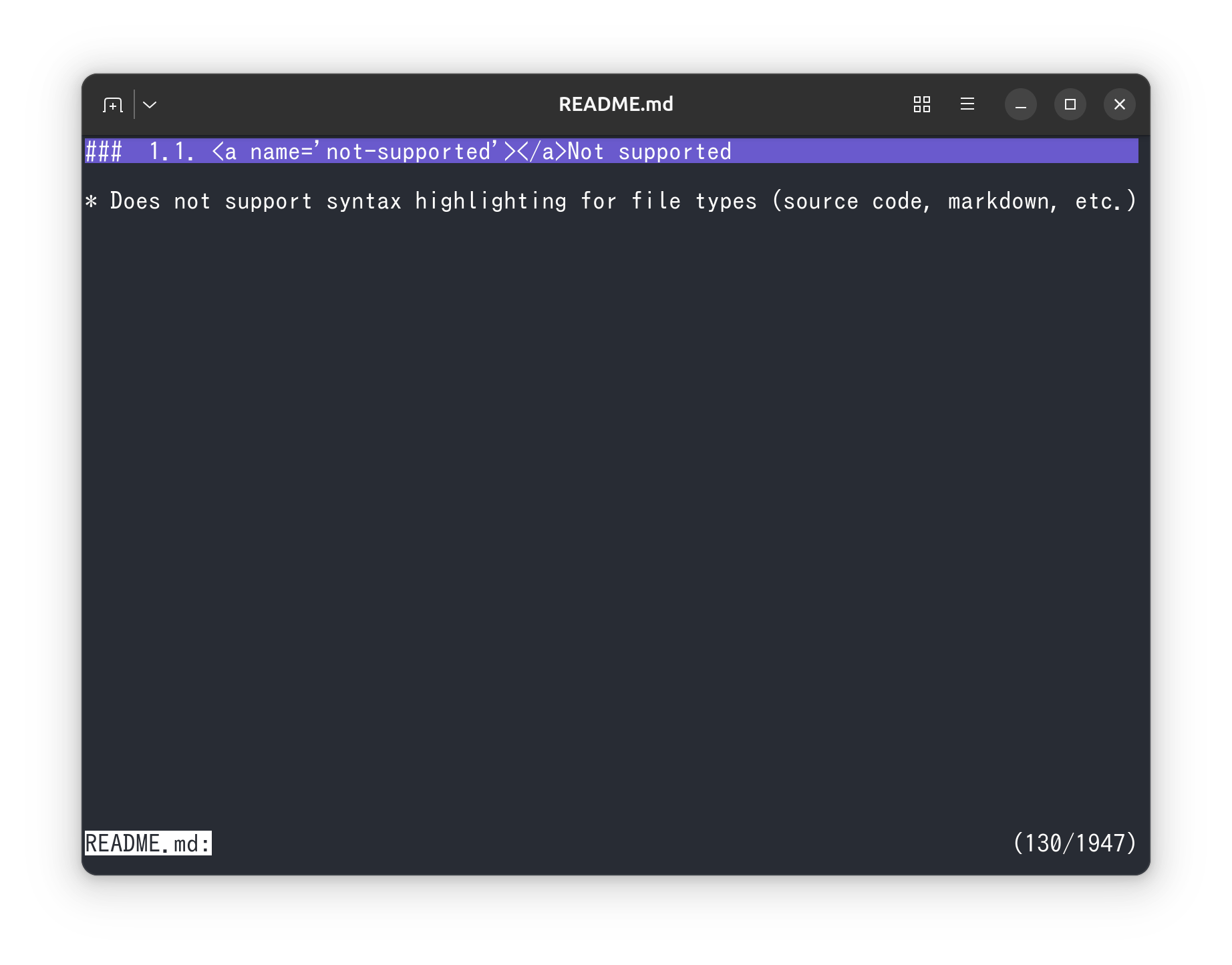
- Learn how to hide other sections when using sections in ov.
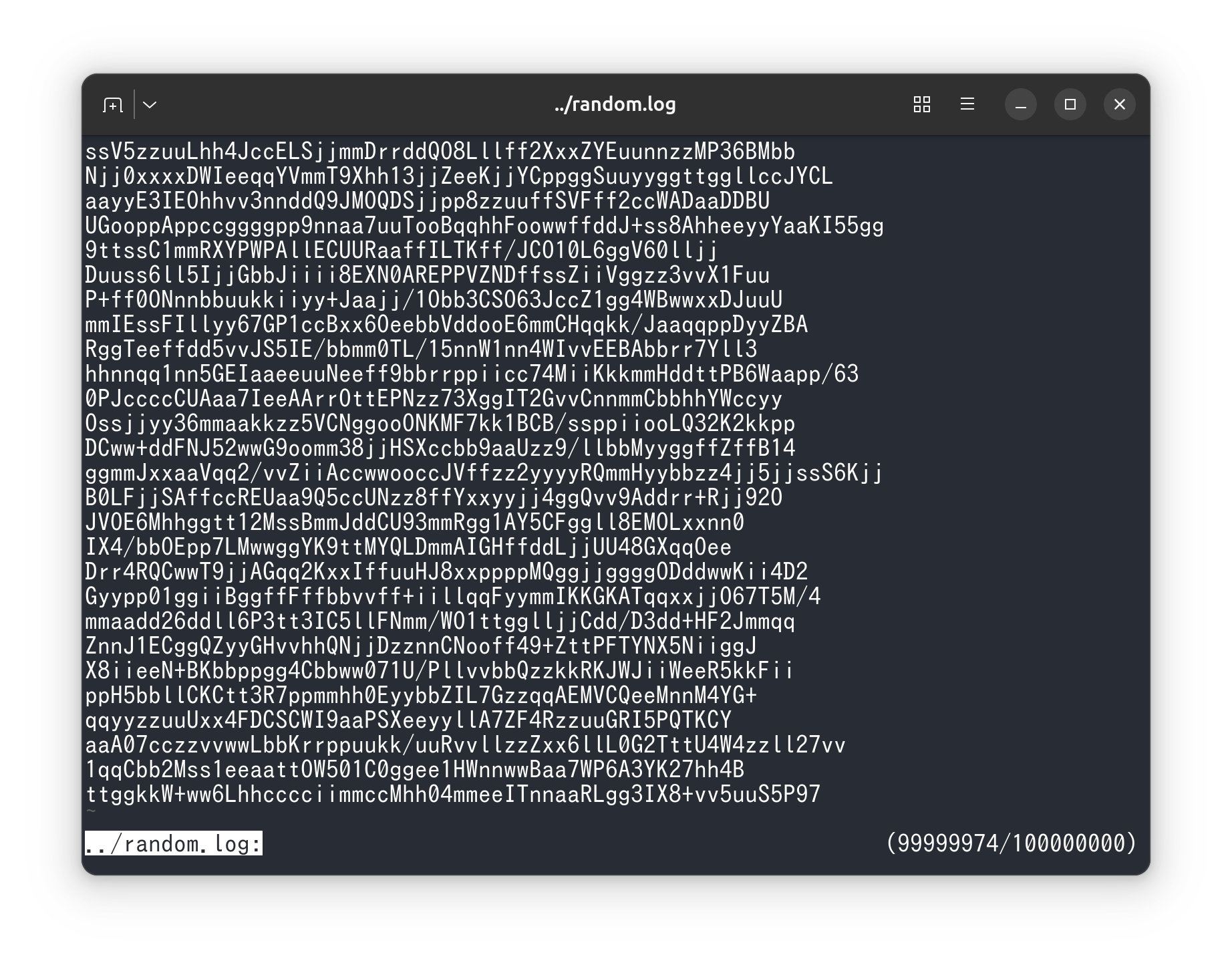
- Experience fast opening of large files with ov.
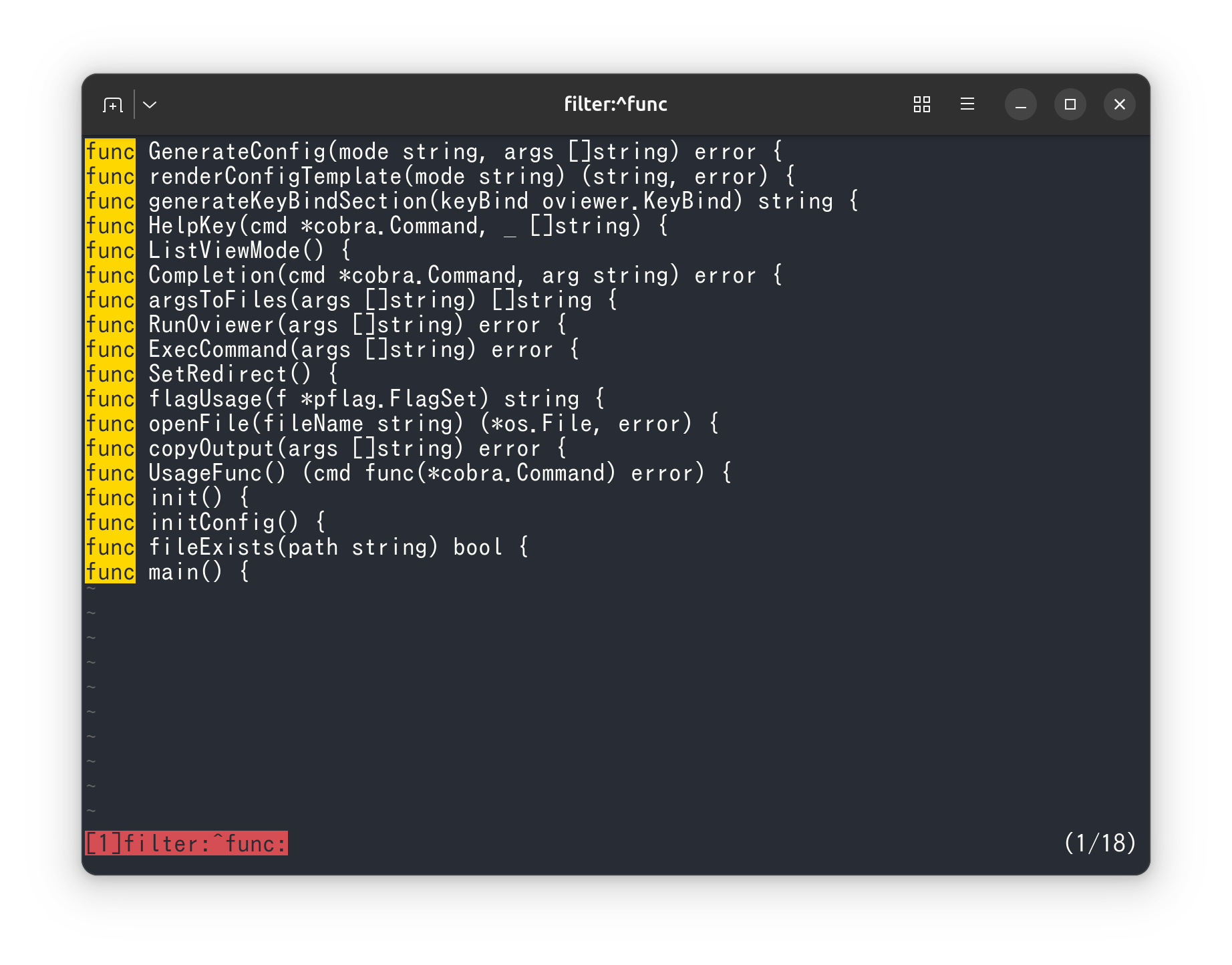
- Filter search results efficiently using ov’s advanced search capabilities.
- Integrate ov as a pager for pgcli for better visualization of database query results.
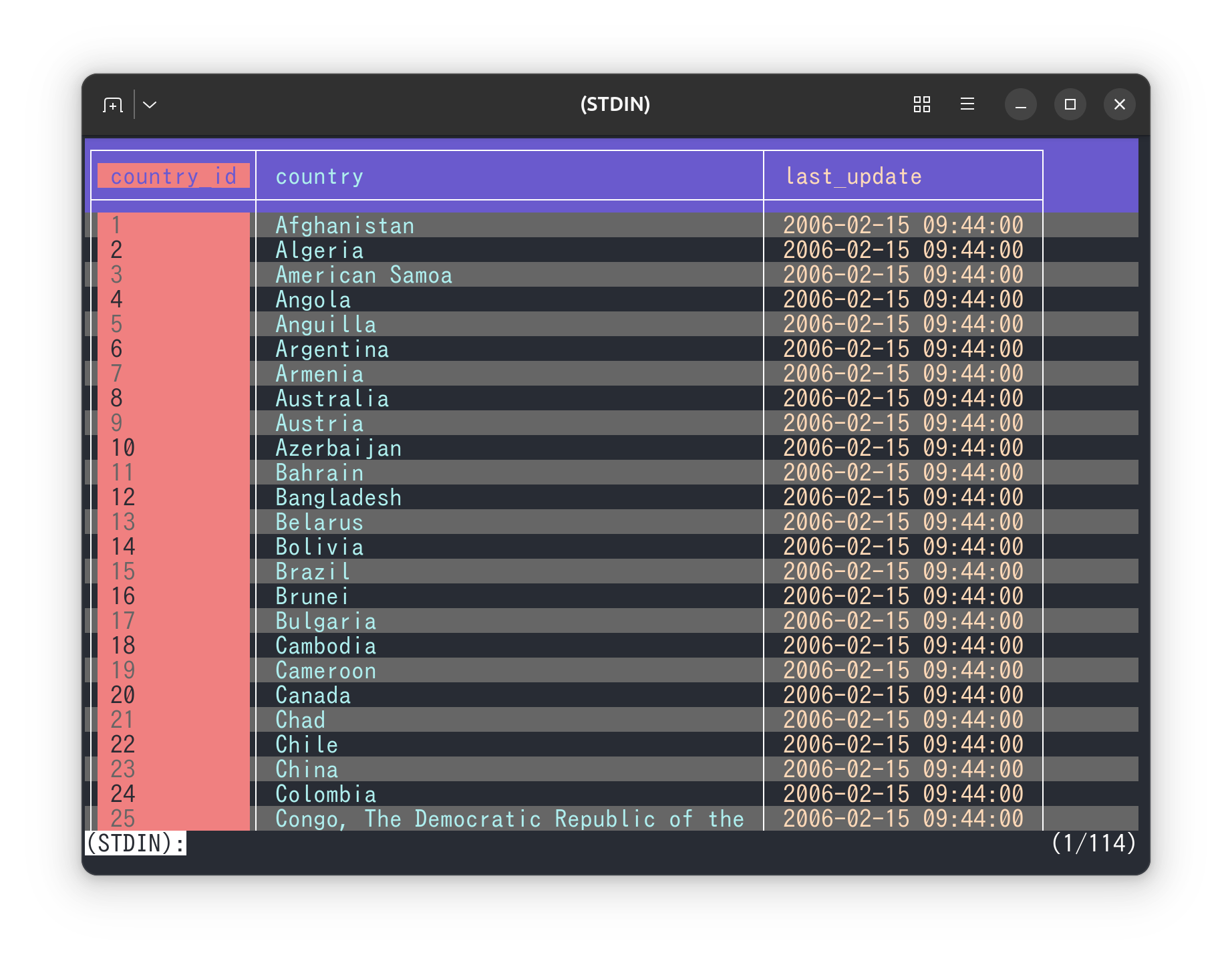
- Highlight multiple words in different colors using ov’s multicolor highlighting feature.
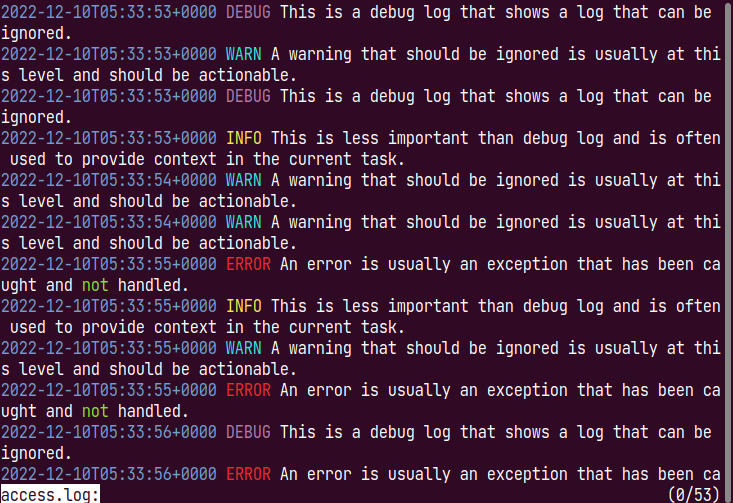
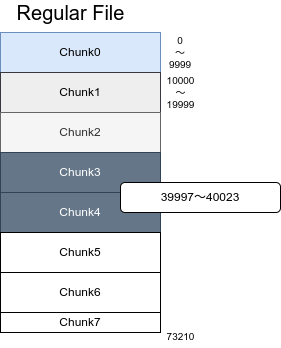
- Manage memory usage effectively with ov.
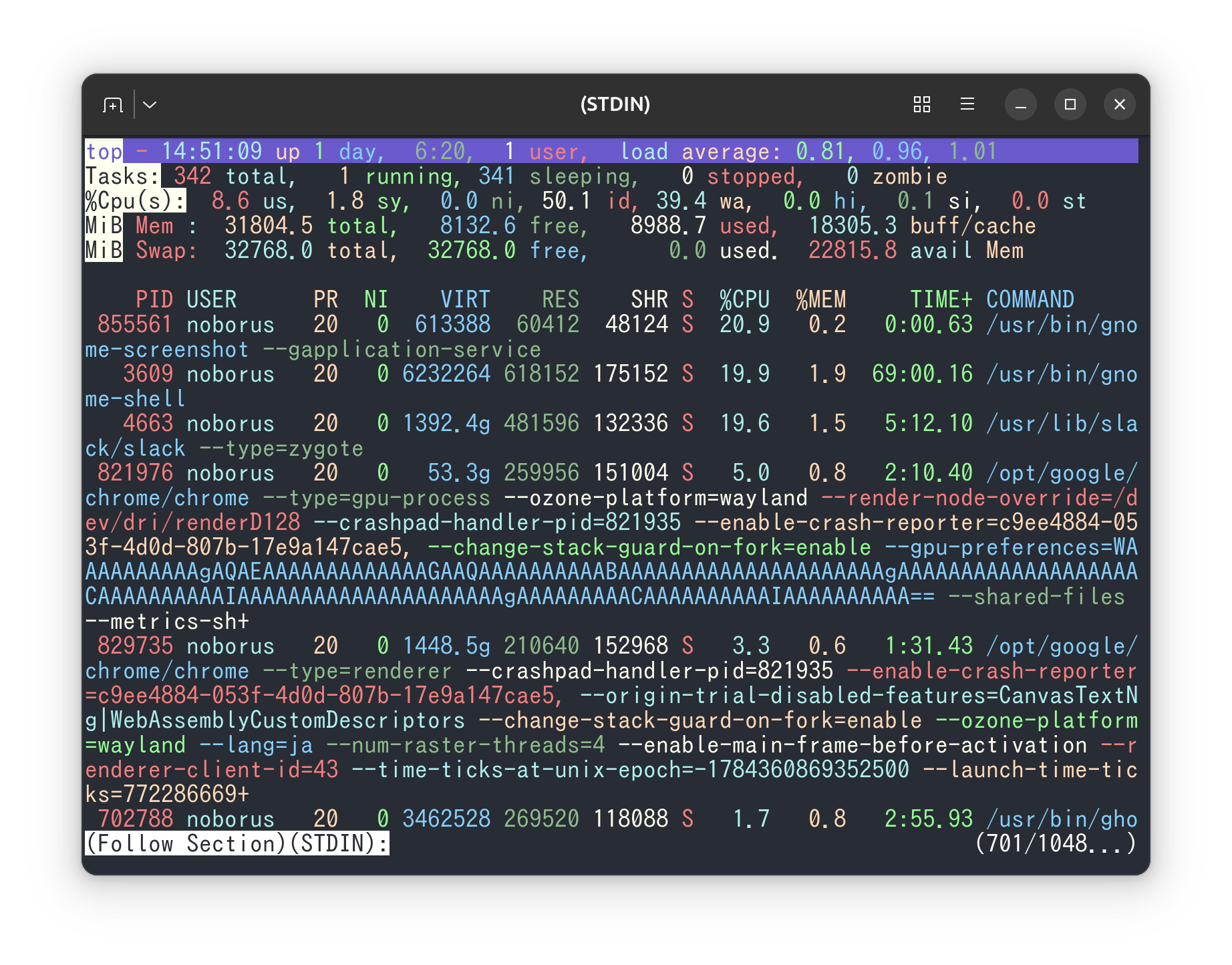
- Enhance the display of system monitoring information by using ov as a pager for top.
- Employ ov as a pager for mycli to improve the readability of MySQL command outputs.