bat
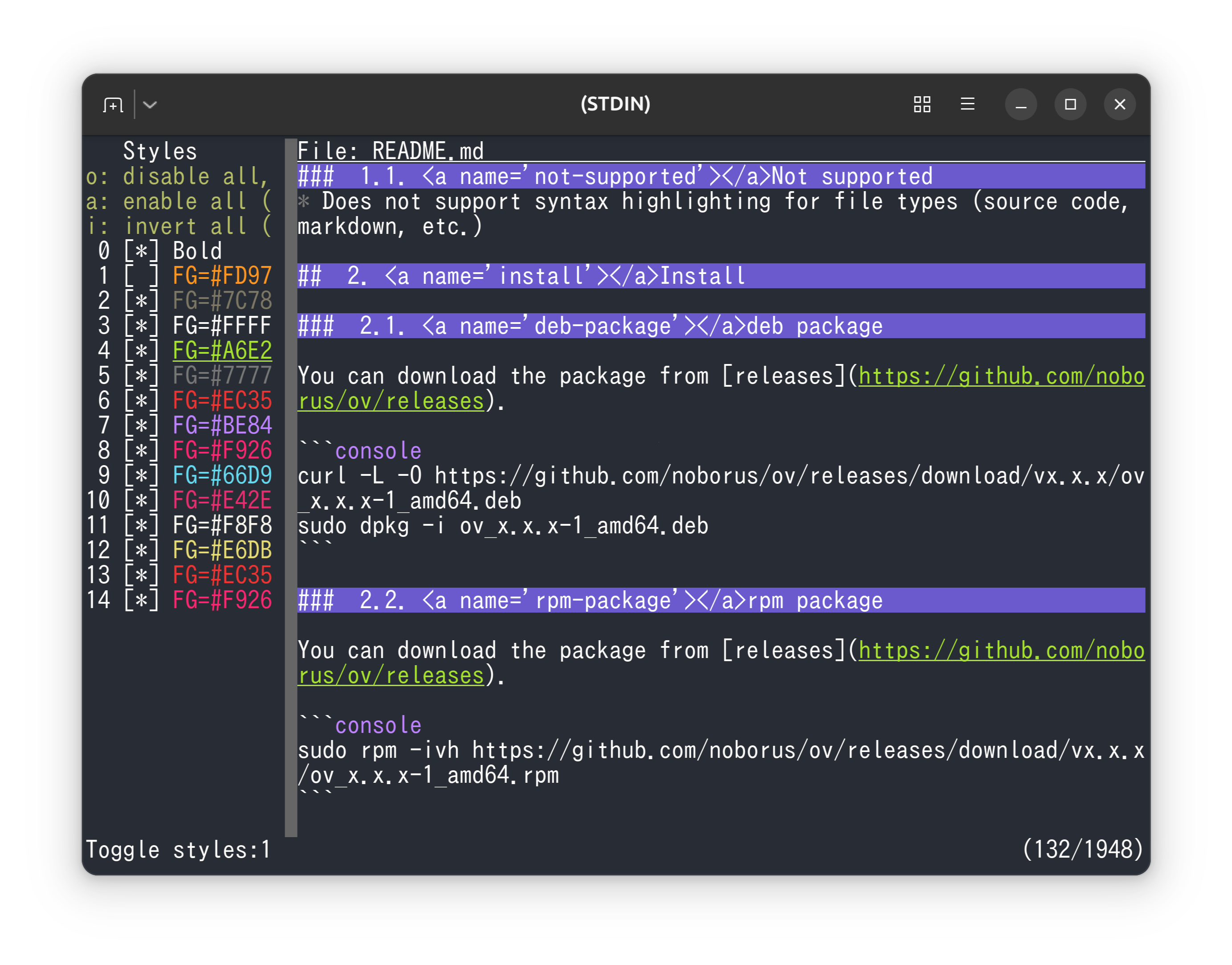
bat is a feature-rich alternative to cat that can be used as a pager. However, bat itself is not a pager; it calls a pager internally. By default, bat uses less, but you can use ov as the pager.
You can use it by setting the environment variable PAGER or BAT_PAGER.
Info
Since v0.26.0, bat supports a built-in pager.
You can select the built-in pager with the --pager option.
Ensure that bat does not wrap lines (--wrap=never).
If bat wraps lines, it cannot be unwrapped later.
Using ov as the pager improves usability and provides a better navigation experience.
Improve Markdown navigation
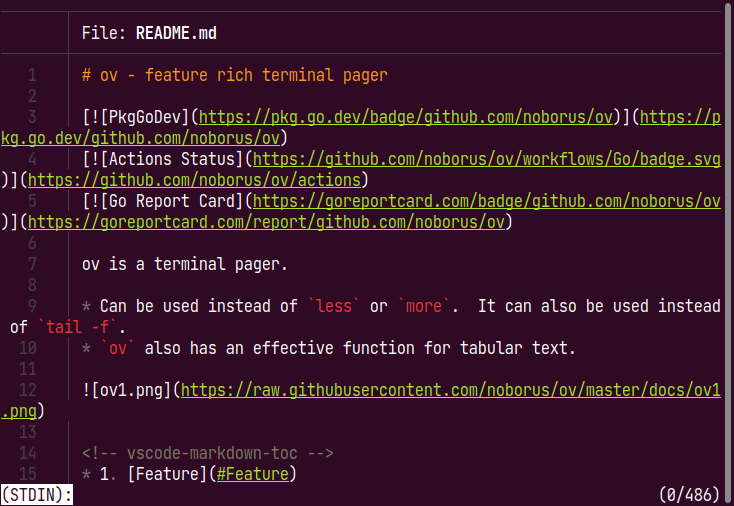
Combining bat and ov improves Markdown navigation.
Even when rendered by bat, the original content is unchanged, so headings can still be used as section boundaries just like in the source Markdown.
Press Alt+d and set Section delimiter: to ^#. Then press Alt+u to show the section list.
Reduce syntax highlighting
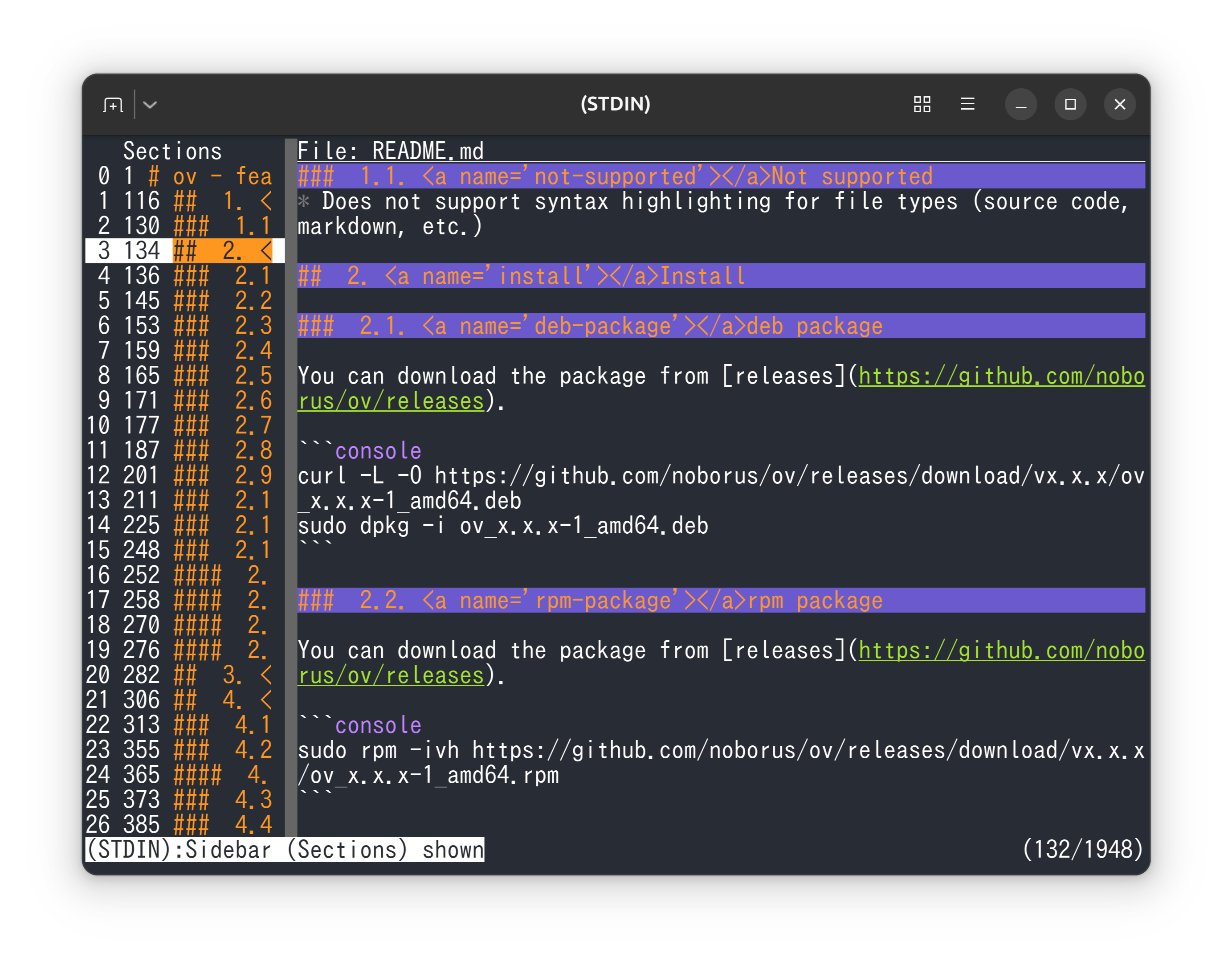
Press o to show the list of highlighted styles. By selecting a Styles number, you can reduce or suppress highlighting.