Execute command
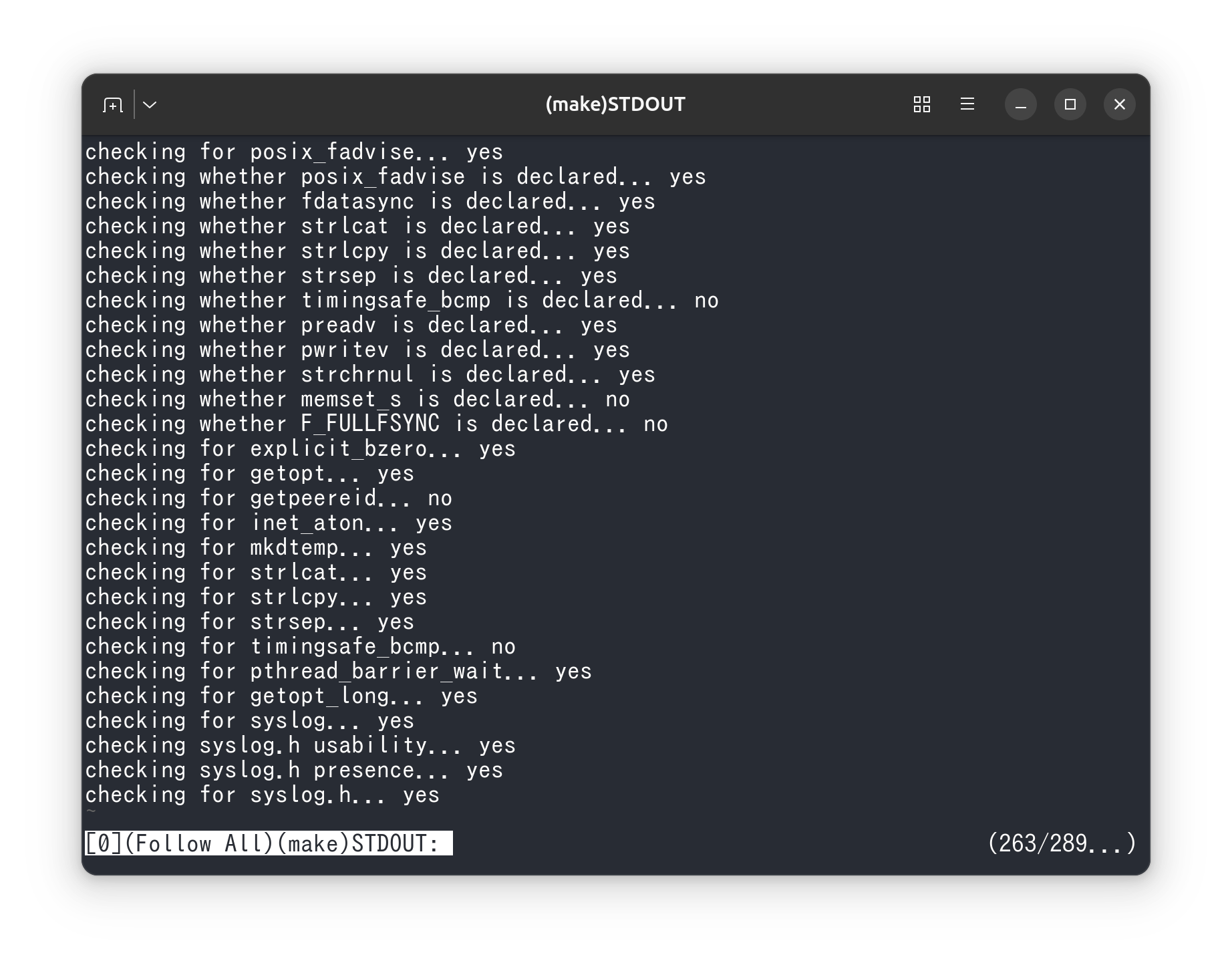
Using ov Exec mode, you can execute a command and display its output dynamically.
By using --follow-all, you can always show whichever stream was output most recently.
This lets you view standard output and standard error separately while automatically switching when an error appears.
Unless you use a special display method, command output normally uses stdout and stderr.
You can redirect or pipe these outputs to save them to files or pass them to other commands,
but in many common cases you end up passing only one of the two streams.
For example, if you run the command below to focus on progress or final output,
only standard output is passed to ov.
If the command is blocked by an error, that information is not shown.
To pass both streams, you need to use redirection and combine them into a single stream.
2>&1 is shell syntax that redirects standard error to standard output.
Traditionally on Unix-like systems, this has been the common way to merge both streams.
However, this approach mixes standard output and standard error together, which can make the output harder to read.
With ov Exec mode, you can execute the command and inspect standard output and standard error separately.
Normally, a pager receives command output through a pipe,
which means STDOUT and STDERR are either one or both mixed in the same view.
By executing the command from ov, STDOUT and STDERR can be displayed as separate documents.
In addition, if you use --follow-all, ov keeps showing whichever side produced output most recently.
In other words, you can monitor make output and error output independently, and automatically switch views whenever an error appears.

You can also use --notify-eof to be notified when command execution is complete.