Filter search
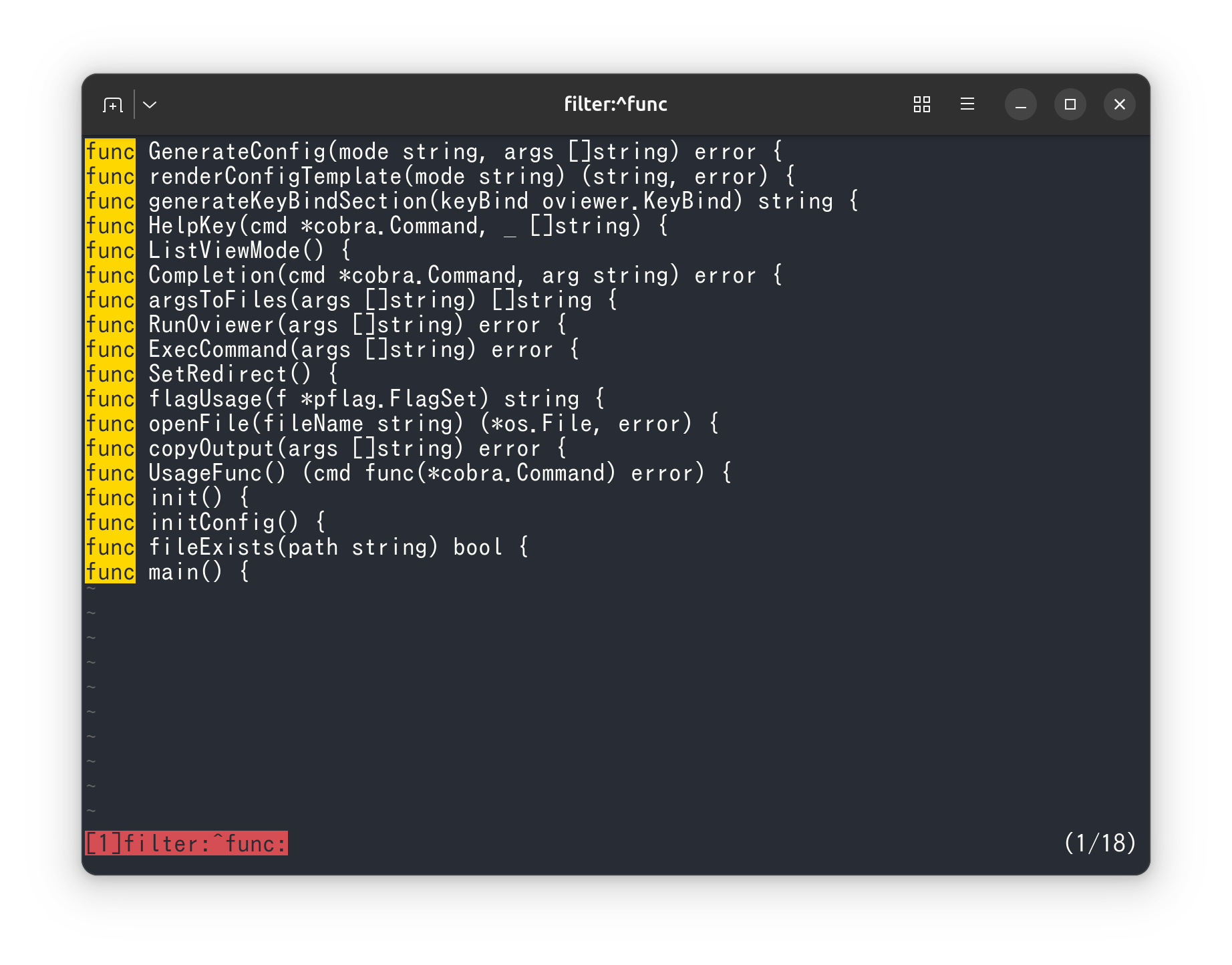
How to filter search results
Display only matching lines
Typing & after forward search (/) or backward search (?) puts you in search term input mode.
The search input mode inherits settings such as “regular expressions” and “case sensitivity”.
A “new document” is created that displays only the lines that match the search term you entered, and you move to that document.
If you specified a header line at this time, the header line will also be displayed.
You can switch documents with [ and ] as you would with multiple files open.
Since the line numbers are linked, if you move from the lines displayed by the filter to the original document with [, you will move to the corresponding line.

Display non-matching lines
When you are in search term input mode with &, typing ! toggles to display non-matching lines (Non-match) mode.
Ending filter search
To close all documents created by filter search, press K (uppercase).
You can also close only that document with ctrl+k.
Combining filters with --quit-if-one-screen
When used in combination with --quit-if-one-screen, if the filter fits on one screen, it will exit as is.
If --header is specified, the header line will also be displayed.
When used together, it can be used as a convenient grep.