View Markdown
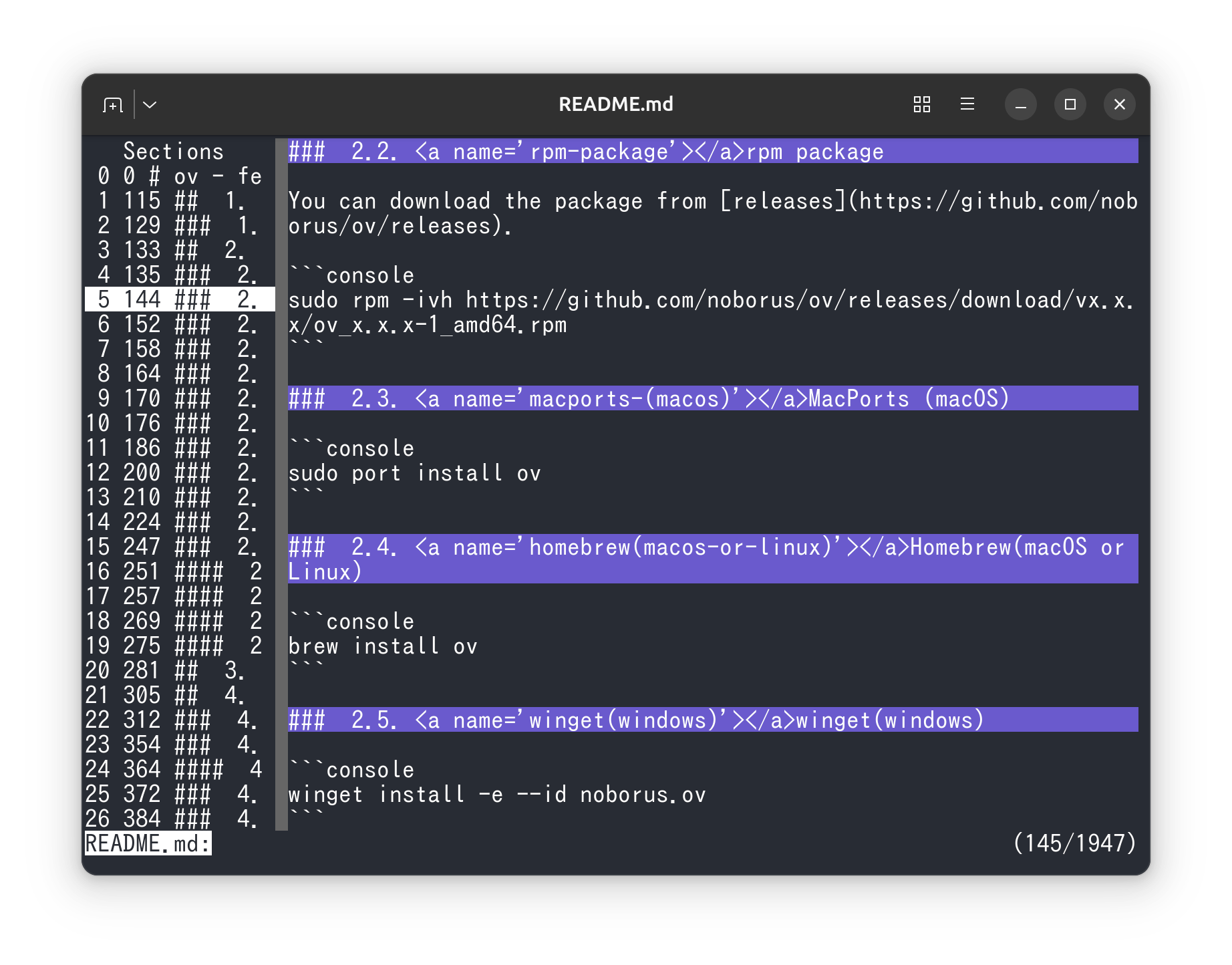
ov can also be used as a markdown viewer.
Treating Markdown headings as sections makes long README files and design documents easier to browse in a terminal.
Show headings as sections
Use --section-delimiter with a regular expression that matches the start of a section.
To target Markdown headings, use ^#. Heading lines are handled as section headers and stay at the top while scrolling until the next heading is reached.
Press Space to move to the next section and ^ to move to the previous section. If you want to limit heading levels, use a pattern such as "^## ".
Use the sidebar as a table of contents
With --sidebar-mode=sections, detected headings are listed in the sidebar. This lets you jump directly to a target section even in long documents.
After launch, you can also open the section list with the default shortcut Alt+u.
If you want to focus on only the current section, combine it with --hide-other-section. See Hide Other Section for details.
Word Wrap
Use --word-wrap to wrap long lines to fit the screen width.
See word-wrap for details.