how to use follow mode
Posted on:
Output appended data and move it to the bottom line (like tail -f).
ov can perform operations such as search input without stopping follow-mode (also incremental search!).
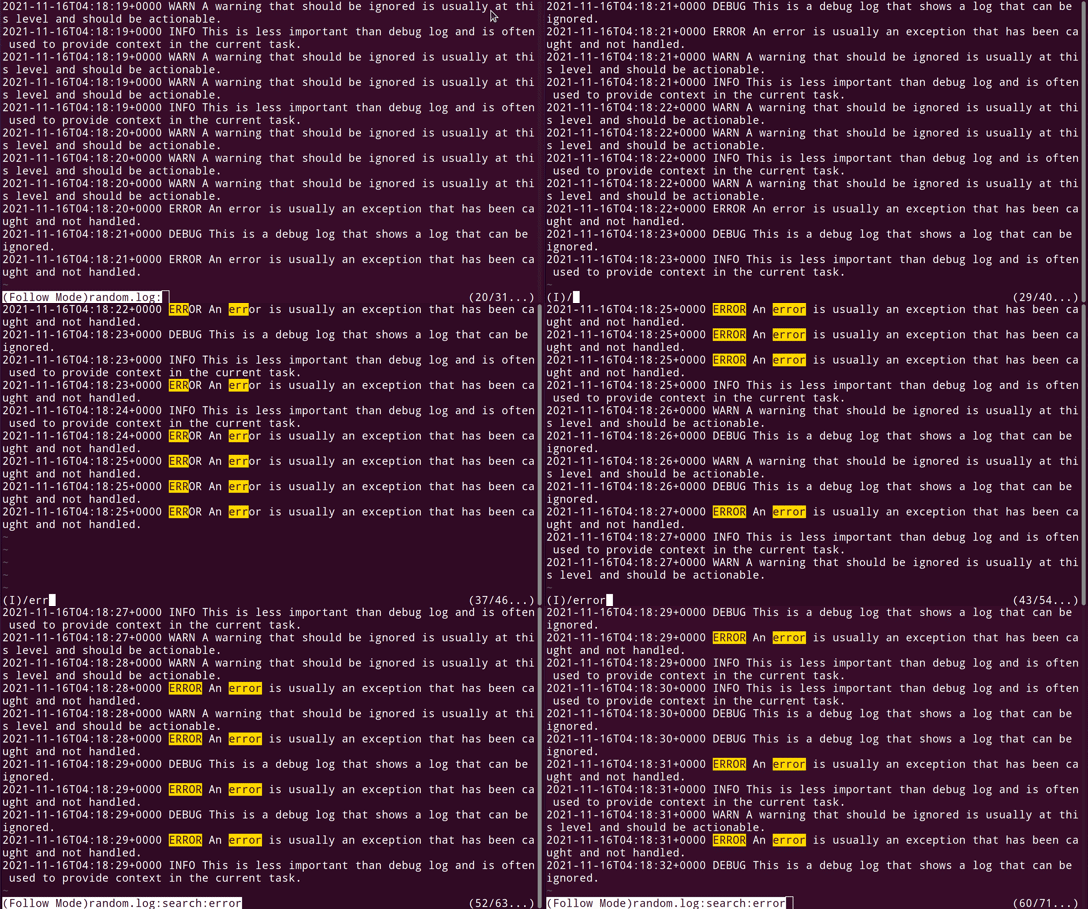
Follow Name
The --follow-name option follows a file by name, which is useful when files are rotated (for example, log rotation).
Sticky Follow
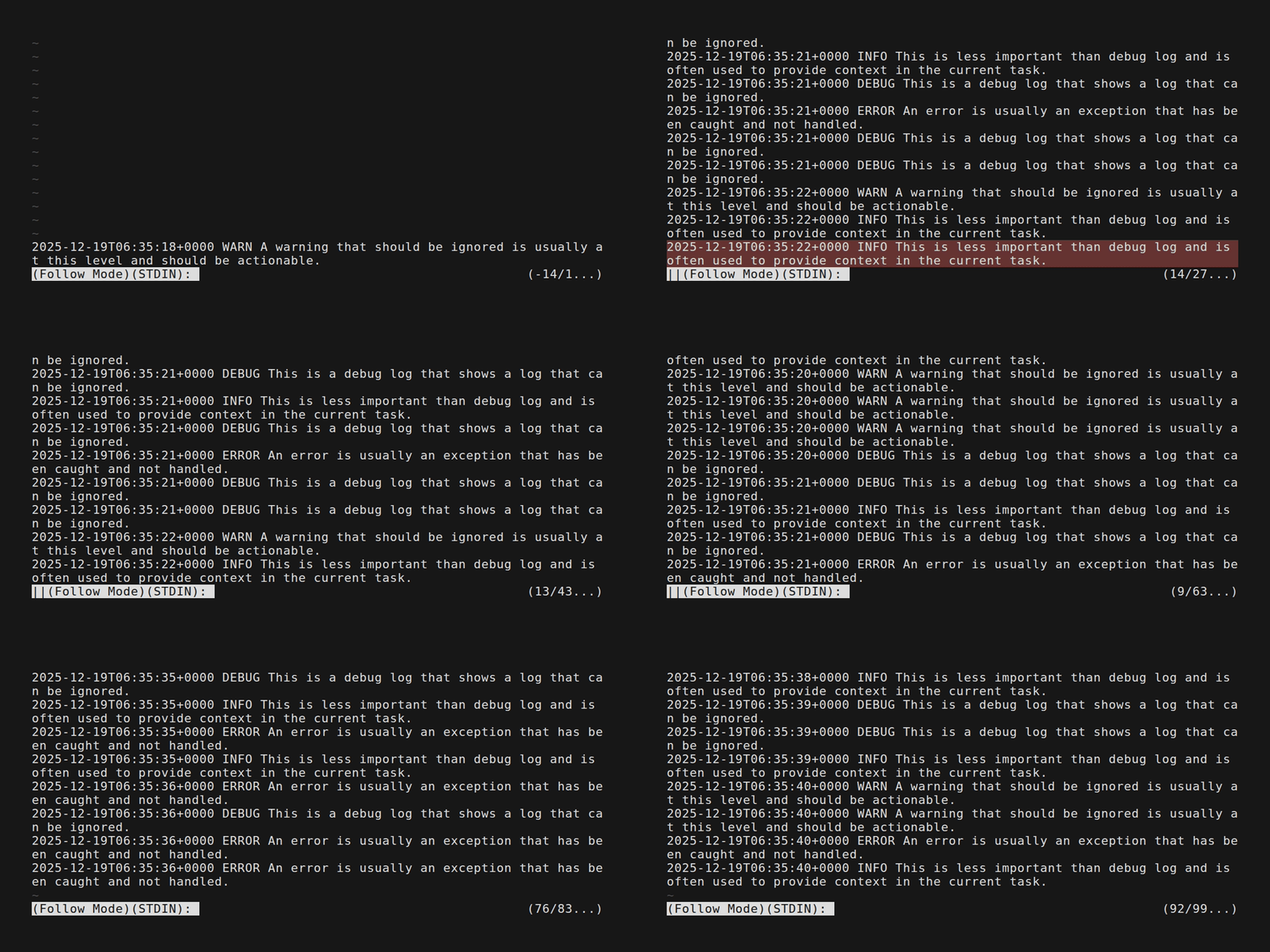
Added in v0.44.0, Sticky Follow makes follow mode temporarily pause when you scroll up from the bottom. This lets you inspect past output without losing your place; follow resumes automatically when you return to the bottom.
Visual indicators:
- Enabled by default: follow mode uses Sticky Follow.
||appears at the start of the status line when follow is paused.- The paused line is highlighted using the
PauseLinestyle.
To disable Sticky Follow, add the following to your configuration file: