Word wrap
ov lets you switch between line wrapping modes.
By default, wrapping is character-based (-w / -w=char), which may split words at the edge of the screen.
Wrap modes
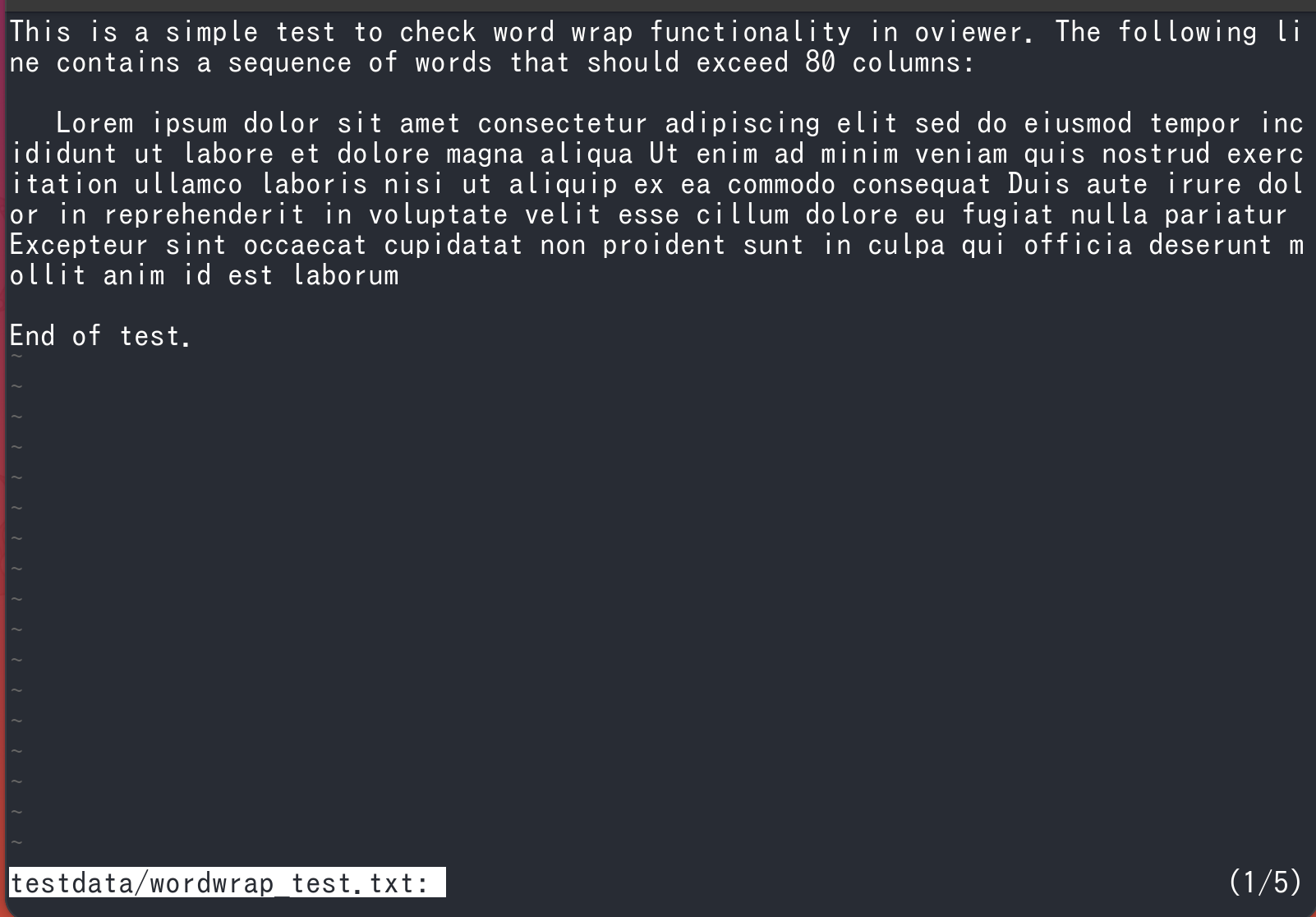
-wor-w=char: Wrap at the screen width (character-based).-w=word: Wrap at word boundaries.-w=none: Disable wrapping.
Word wrap
With word wrap enabled, long text is less likely to be split in the middle of a word.
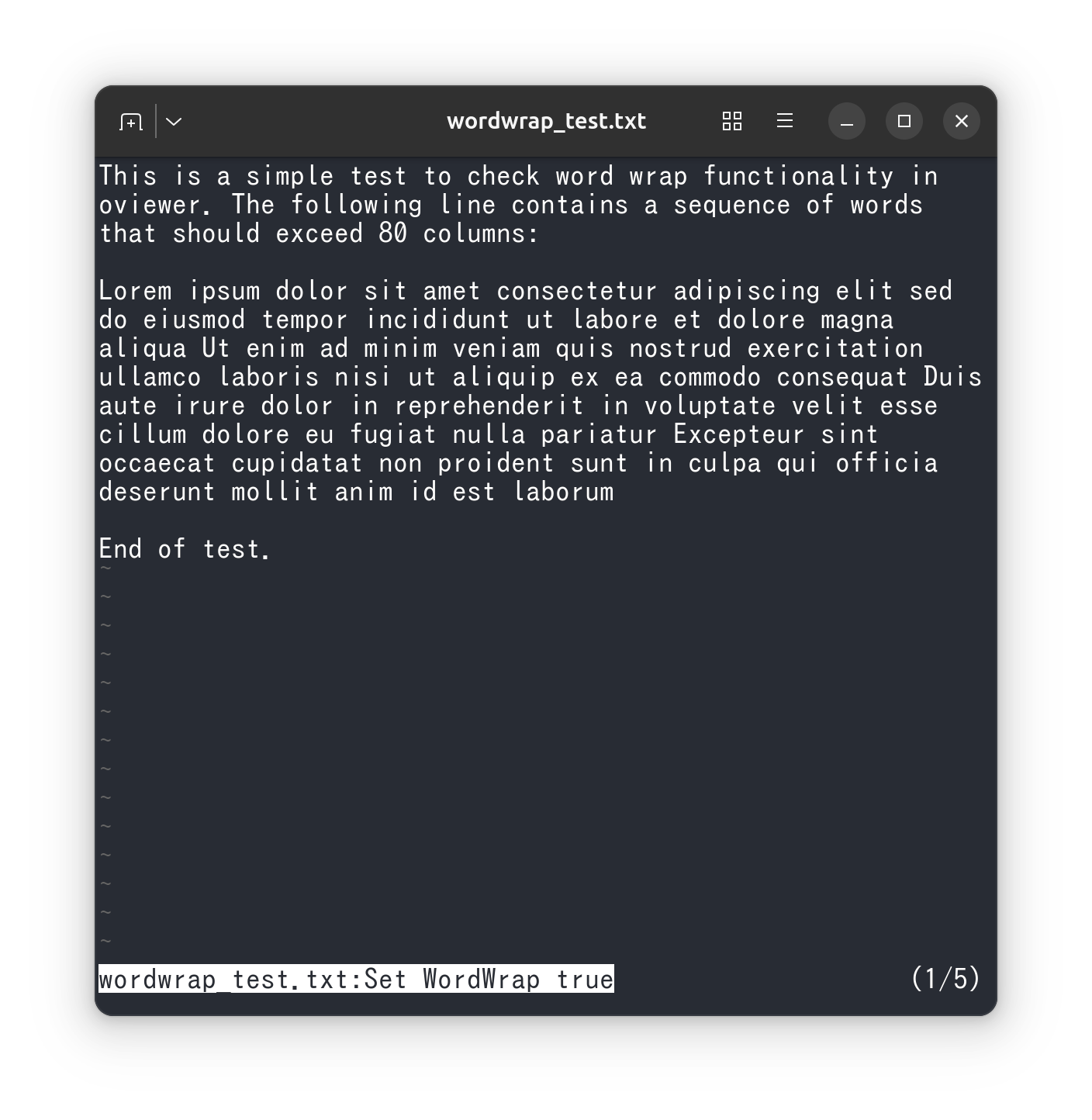
After launch, you can toggle word wrap with the default key Alt+w.
Indentation with word wrap
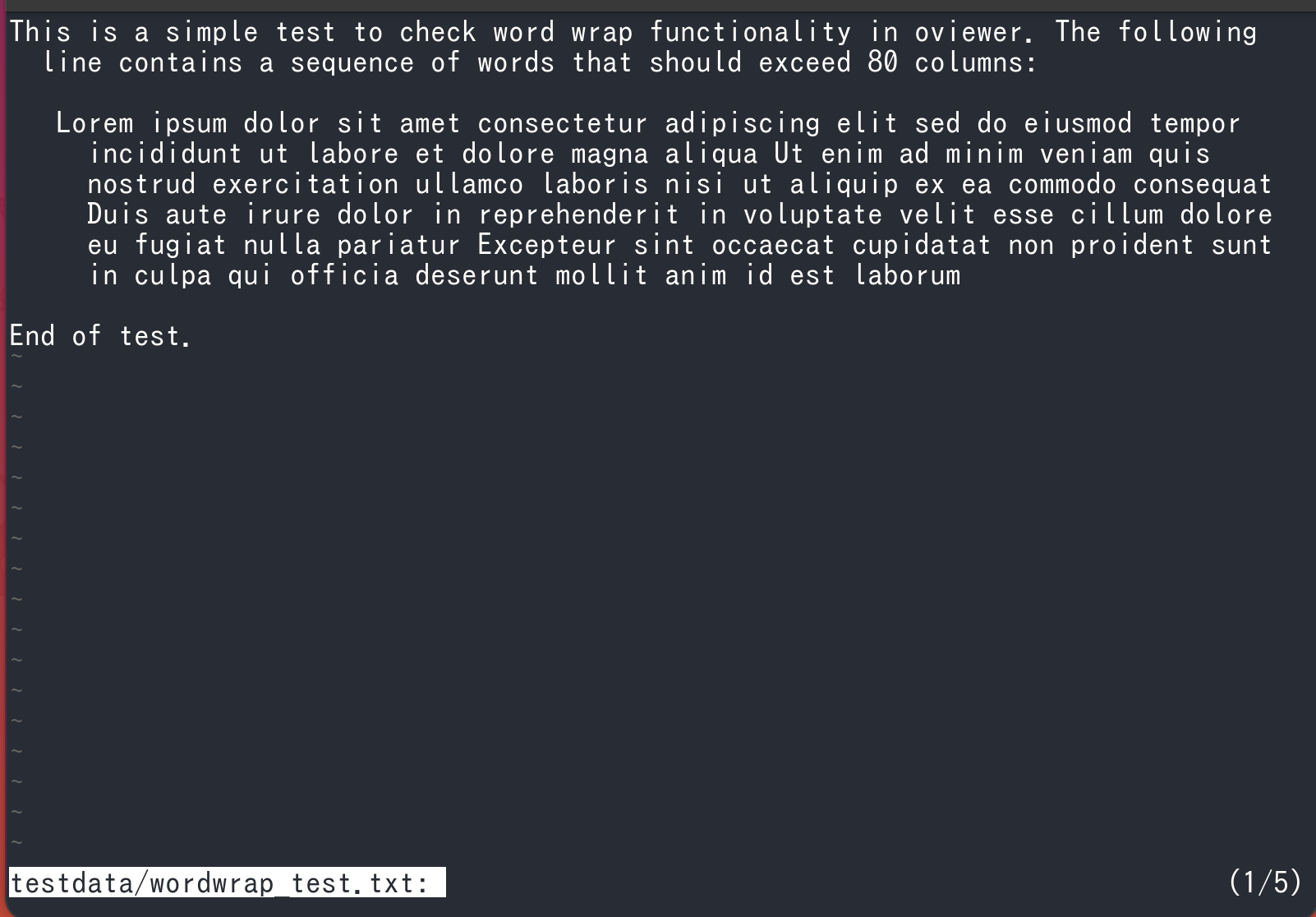
Since v0.55.0, you can set the indentation of wrapped lines in -w=word mode with --break-indent.
You can also configure it after launch with the default key Ctrl+Alt+n.
Indentation options for word wrap
0: No indentation (default)
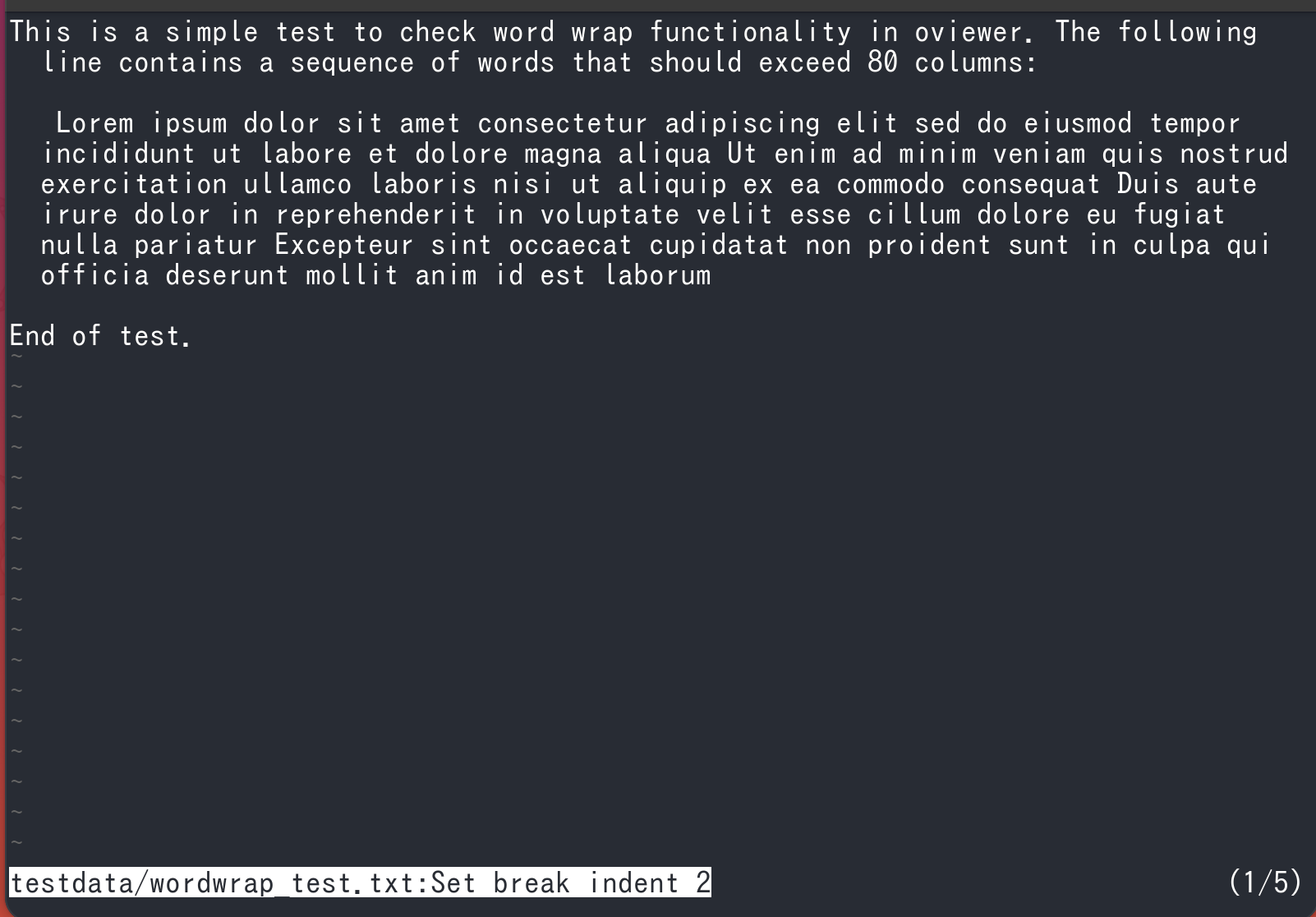
Positive number: Indent by the specified width
Set to 2:
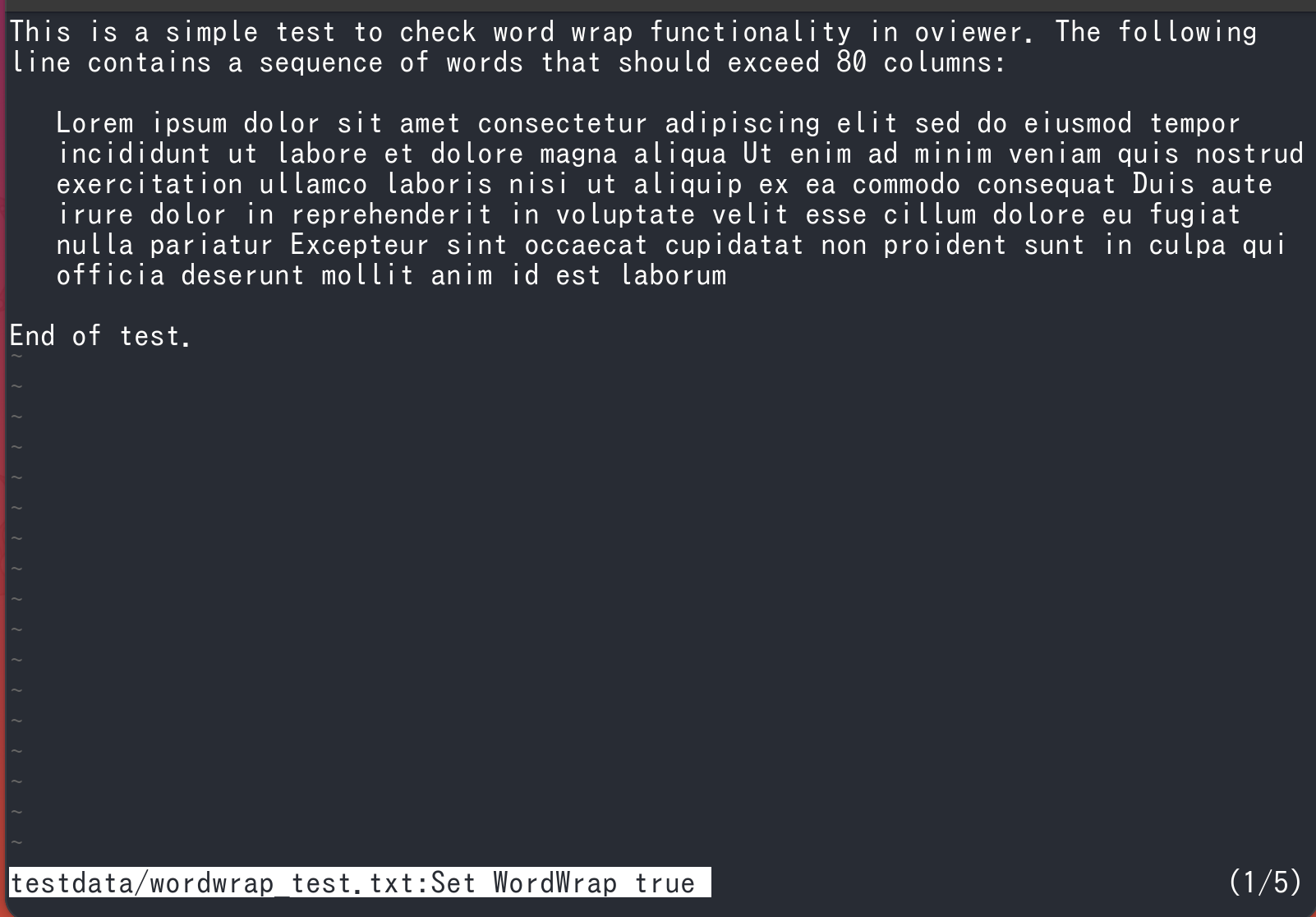
L: Align with the leading whitespace of the original line
Set to L (L+0):
L+N / L-N: Increase or decrease the width relative to the leading whitespace of the original line
Set to L+2. The leading L is optional, so L+2 means the same as +2.
Display markers
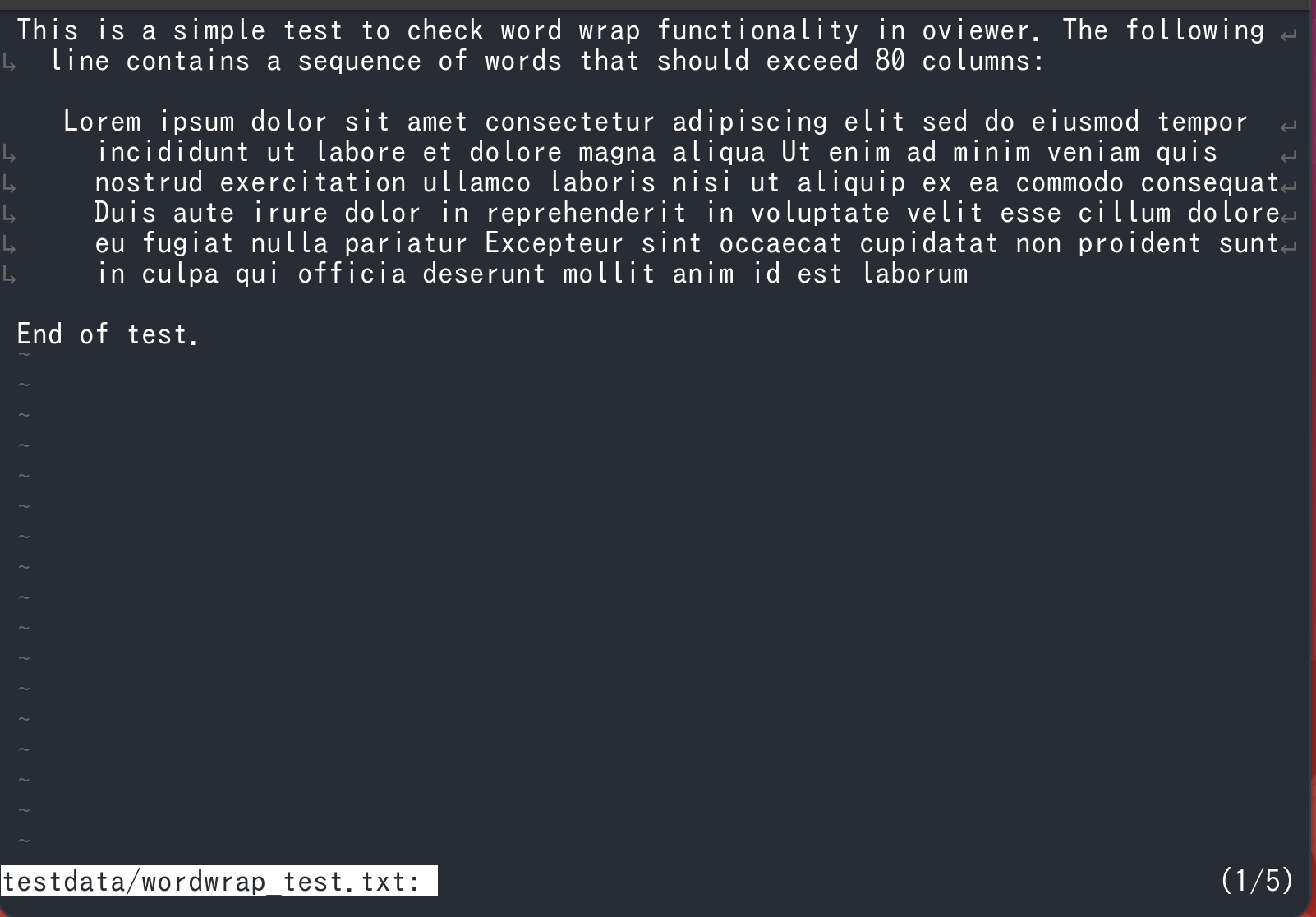
Since v0.55.0, you can show markers for wrap positions, line continuations, and truncation at the screen width.
Configure them with --sign-mode, or toggle them after launch with the default key Ctrl+Alt+m.
The default value 0 hides all markers. Specify a value by adding the bit values for each marker.
| Value | Markers shown | Conditions |
|---|---|---|
1 | ↳ | At the beginning of a wrapped line |
2 | ↵ | At the end of a line before it wraps |
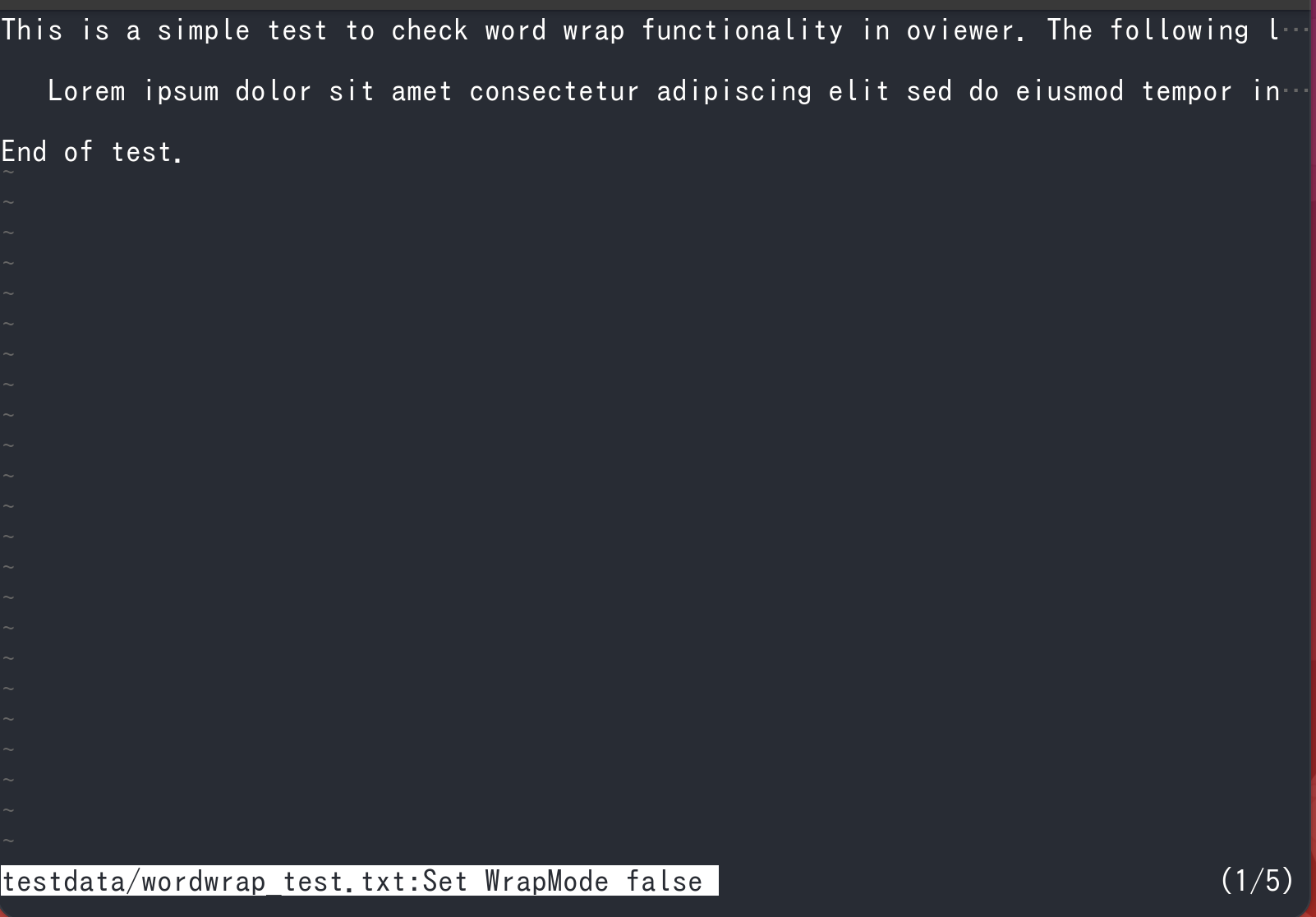
4 | … | At the end of a line that exceeds the screen width when wrapping is disabled |
3 | ↳ and ↵ | Combines 1 and 2 |
5 | ↳ and … | Combines 1 and 4 |
6 | ↵ and … | Combines 2 and 4 |
7 | All | Combines 1, 2, and 4 |
↳ and ↵ are shown when wrapping is enabled. … is shown when wrapping is disabled and a line exceeds the screen width.